Turn any command into a button
2:21 · 6 chapters ·
Turn any command you keep typing into a one-click button in lpm. Click + Action in a project's header, give the action a name and the command exactly as you'd type it in a terminal, choose how it runs, and click Create action. Click your new button and its output pops up in a card right under it, or it runs quietly in the background with a notice in the corner. lpm also suggests your package.json scripts, so a Build button takes one click, and a right-click moves, edits or deletes any action.
Transcript
The narration, chapter by chapter. Pick a time to play from there.
Intro
Any command you keep typing can be a one-click button. Its output pops up right under it, or it runs quietly in the background.
Add an action
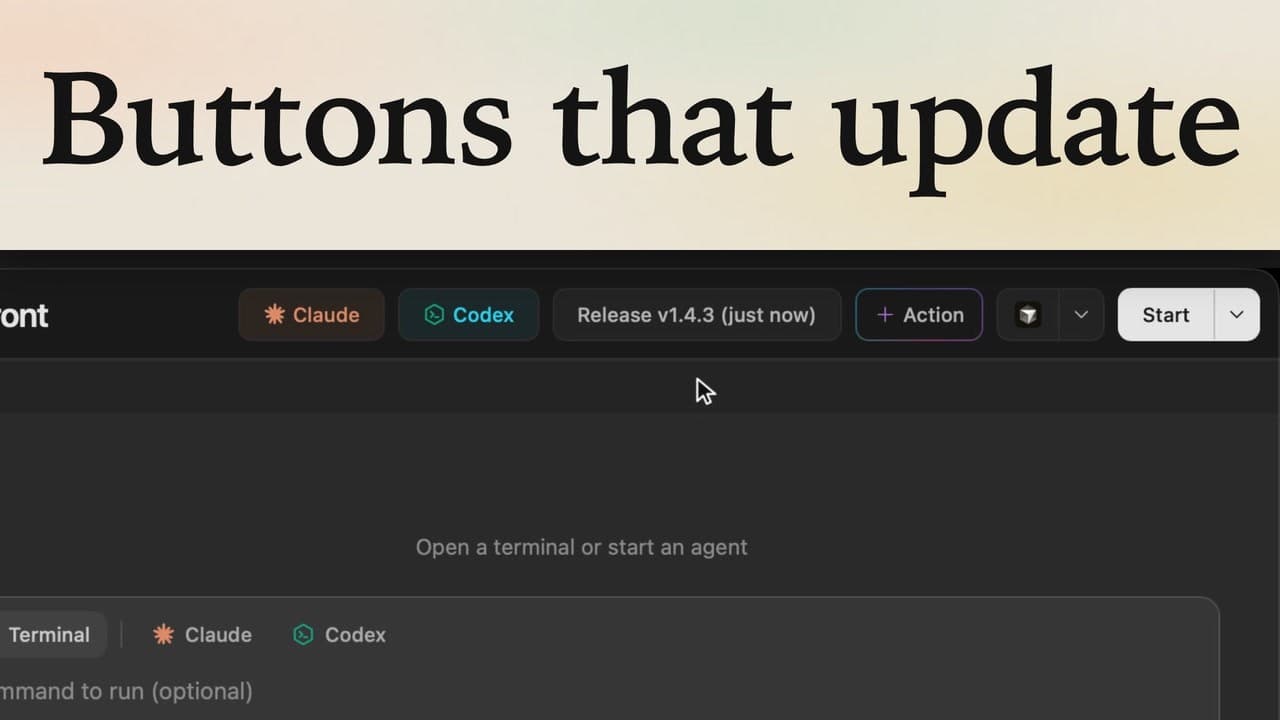
An action is a button that runs a command for you. Claude and Codex up here are actions too, and the plus Action button adds your own. Click it, and a form opens. Up top, lpm suggests commands it found, like your package.json scripts. Seeding the database isn't one of them, so we'll write it below. First, the name the button will show: Seed data. Then the command, node seed.js, exactly as you'd type it in a terminal. How it looks can stay as it is: a button in the header. The preview on the right spells out what a click will do.
Choose how it runs
Under How it runs, the default opens a new terminal: right for a server, or anything that keeps running. Open the menu for the others: show the output, for a quick result; type it into the terminal you're using; or run it in the background. Seeding is quick, and you'll want to see what it did, so choose Run and show the output, and click Create action.
Run it
There's your button, next to Claude and Codex. Click Seed data, and the output pops up in a card, right under it. It seeded three customers and twelve invoices, and the green check means it worked. Leave it, and the card closes by itself, but a check stays on the button: the last run passed.
Start from a suggestion
Now the quick way. Click Action again, and from the suggestions, pick Build: one click fills in the name, the command and an icon. lpm even picked how it runs: a build needs no watching, so it goes in the background. Click Create action, and Build joins the header. Click Build, and it runs quietly while you work. This notice in the corner turns to a check when it's done.
Move, edit or delete
To change an action later, right-click it. Edit action reopens the same form, and Delete action removes it. Or choose Move, then To footer, and Build moves down to the footer bar. A name and a command, and anything you'd type in a terminal becomes a button in your project.