Buttons that show live info
1:59 · 5 chapters ·
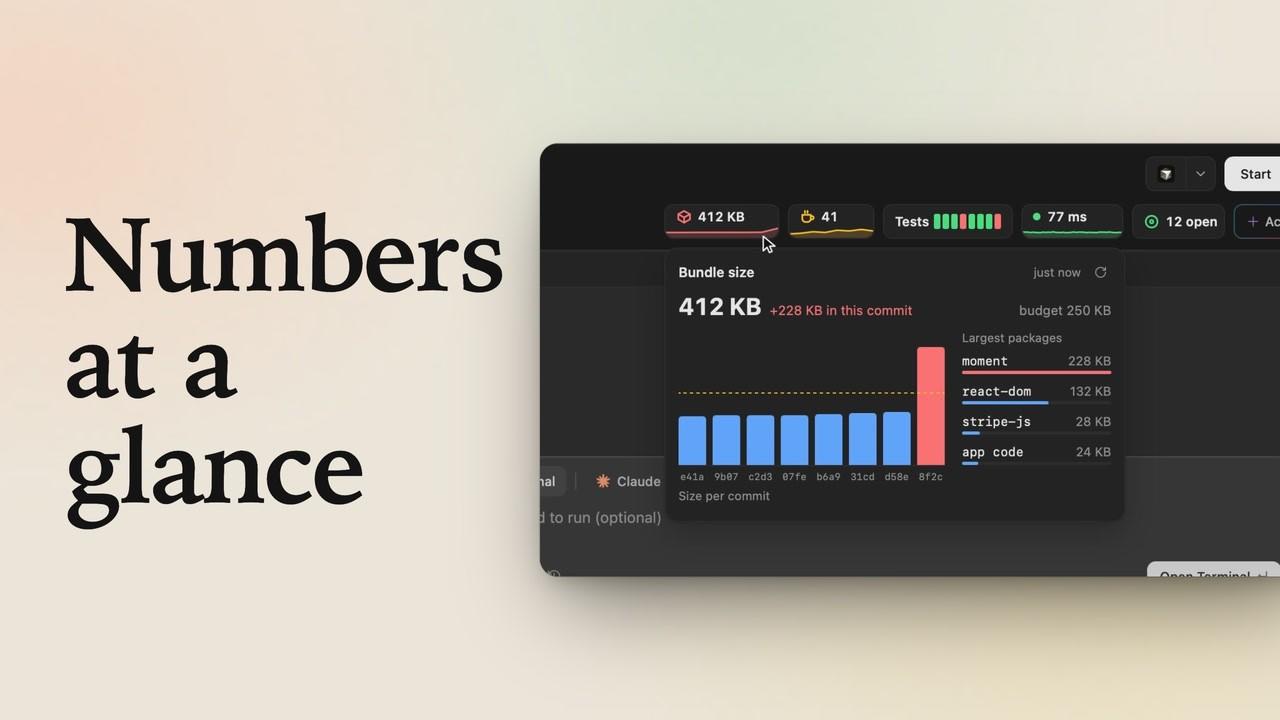
Make lpm's action buttons show live information. In an action's name, double braces hold variables lpm fills in from Git, like {{git.tag}} and {{git.tagAge}} for your last release and how long ago it was, or {{git.nextPatch}} for the version a release will make, and a $(command) shows the first line any command prints, like a count of the to-do comments in your code. Everything is done in the action form: edit a Release button so it reads Release v1.4.2 (3d ago), watch it update by itself after a release, and add a To-dos button whose label counts them. Git variables follow Git on their own; commands run again every minute and after any background action in the project.
Transcript
The narration, chapter by chapter. Pick a time to play from there.
Intro
Your lpm buttons can show live info: your last release and how long ago it was, or anything a command prints, and they stay current by themselves.
Variables in a label
Here's storefront. Its Release button tags a new version, but it doesn't say what the last one was. Right-click it, and choose Edit action. At the end of the name, add the newest tag and its age, each in double braces: git dot tag, and git dot tag age. The action also asks which kind of release. Open the question, and its choices use variables too: the next patch, minor and major version. Click Save changes. Now the button reads Release 1.4.2, 3 days ago: lpm read both from Git.
It updates by itself
Click it, and each choice shows the version it will make. Keep Patch, and click Run. The release runs in the background, and a note in the corner says when it's done. Seconds later, the button reads 1.4.3, just now. Nobody edited the label: the new tag did.
Show what a command prints
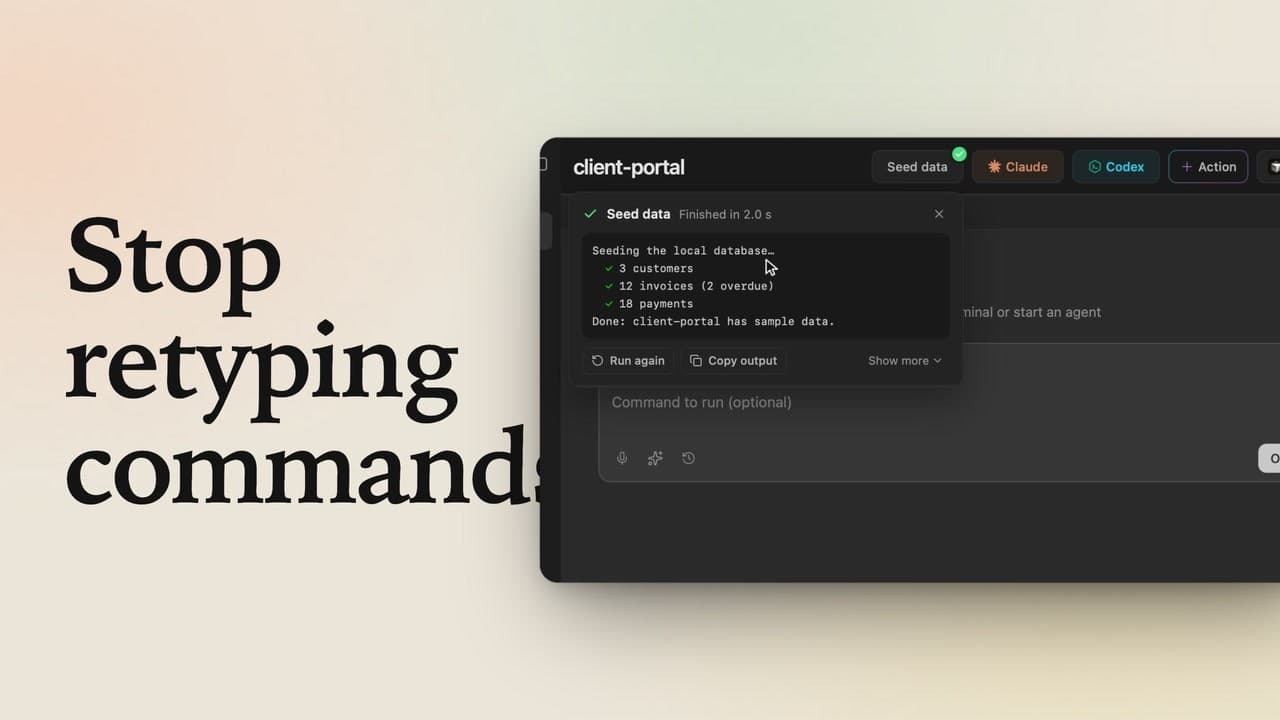
A label can also show what a command prints. Click plus Action, and in the name, write To-dos, then the command inside a dollar sign and parentheses, the way your shell does. This one counts the to-do comments in src. As the command, list them, and under How it runs, choose Run and show the output. Click Create action, and the new button runs its command right away. It reads To-dos, 6. Click it, and the output lists every one of them.
When labels refresh
Git variables follow Git on their own. Commands run again every minute, and right after any background action in the project, like a release. Double braces for what Git knows, a dollar sign for anything else, and your buttons stay current by themselves.