Run agents in parallel copies
1:52 · 6 chapters ·
Run Claude Code and Codex in parallel on the same codebase with lpm: duplicate a project into two, three or more copies, give each copy its own AI coding agent and its own task, and watch them work side by side.
Transcript
The narration, chapter by chapter. Pick a time to play from there.
One folder, one agent at a time
Run Claude Code and Codex at the same time, each in its own copy of your project, so they never touch each other's files. Here's storefront. Claude and Codex in this one folder would edit the same files at once, so give each agent its own copy.
Duplicate the project
Open storefront's menu in the sidebar, choose Duplicate, and press plus for as many copies as you need, two here. Each copy's folder gets a random tag. Type over it to name the copy for its job: health for the first, version for the second.
Give each copy an agent and a task
The menu beside each copy sets what runs in it. Open the first, choose Action, and it picks Claude, a button from your header. Its task: add a health endpoint. Open the second copy's menu, choose Action, and switch it to Codex, with a task of its own: add a version endpoint.
Create the copies
Each copy now shows its agent, Claude on the first and Codex on the second, so click Create 2 copies. They land right under storefront, each a full folder of its own, and Claude is already on the first one's task.
Watch them side by side
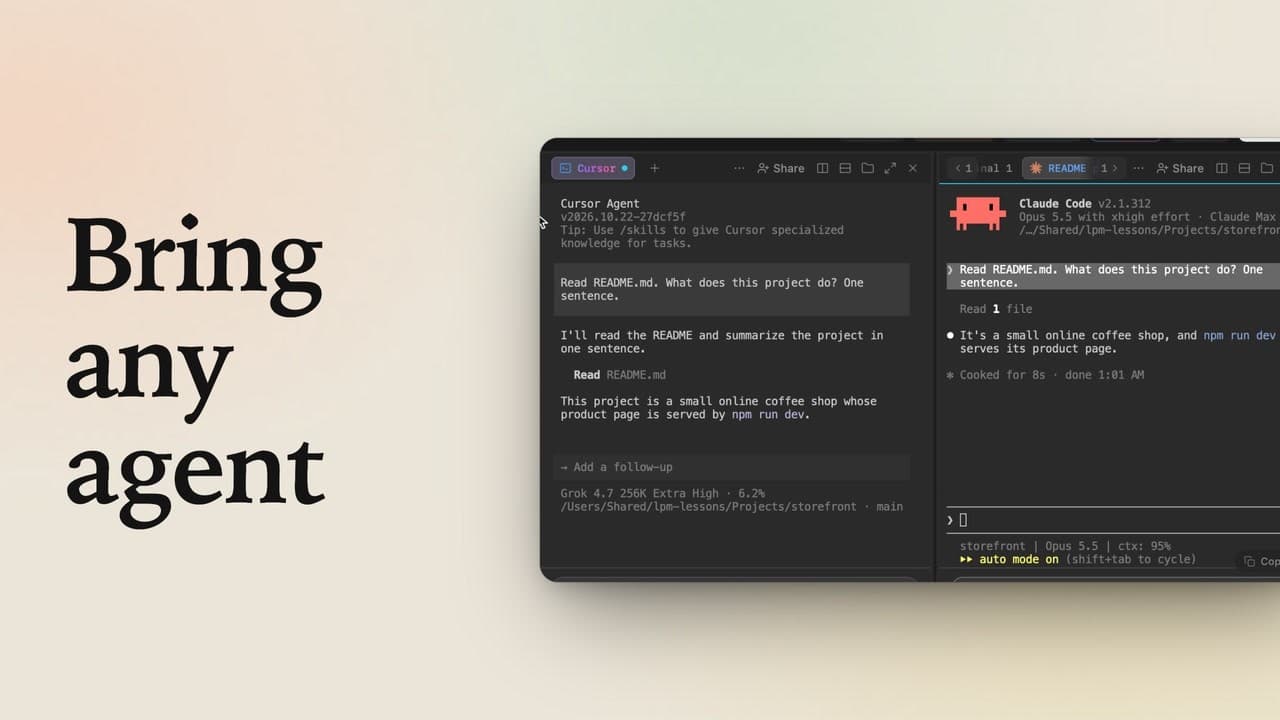
To watch both at once, open the version copy's menu, and choose Open side by side. Claude on the left, Codex on the right, each on its own task, at the same time.
When they're done
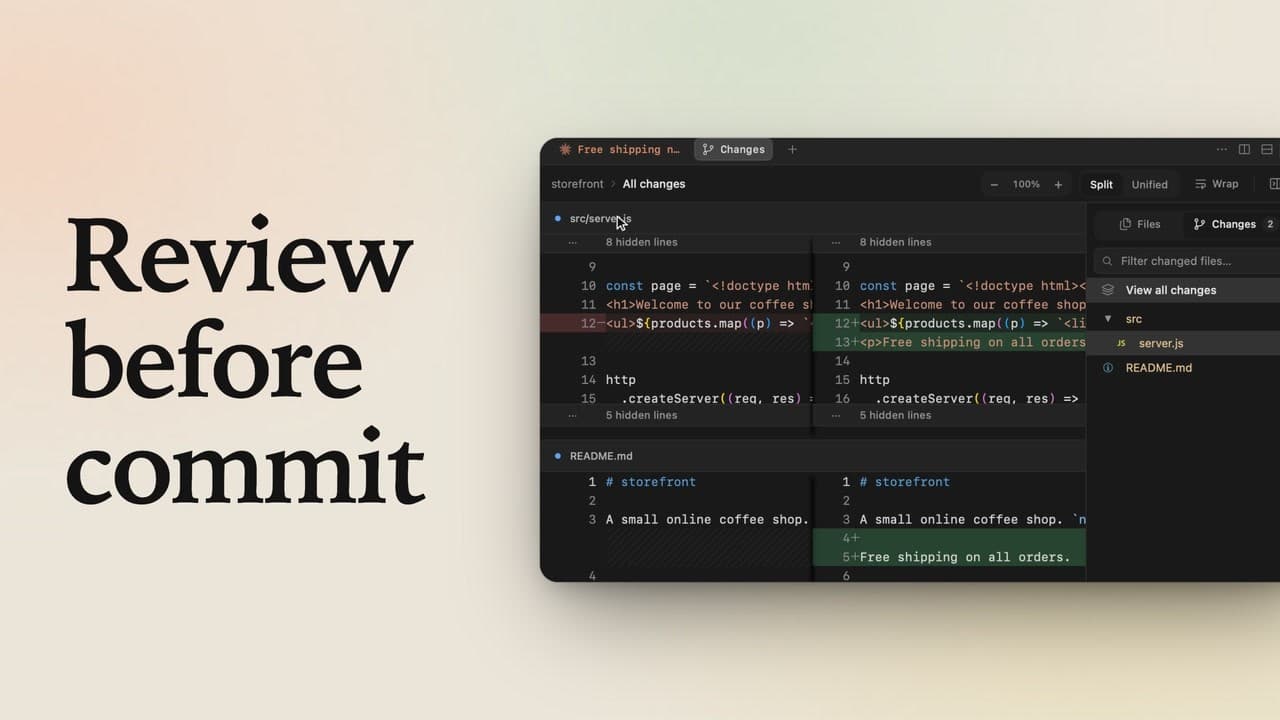
In the sidebar, a check means that copy's agent is done, and the time shows how long it took. Commit the work you keep with each copy's Commit button, and when you're done with a copy, open its menu and delete it. Two, three or ten copies work the same way, with one agent in each.