Run any AI coding agent
1:20 · 4 chapters ·
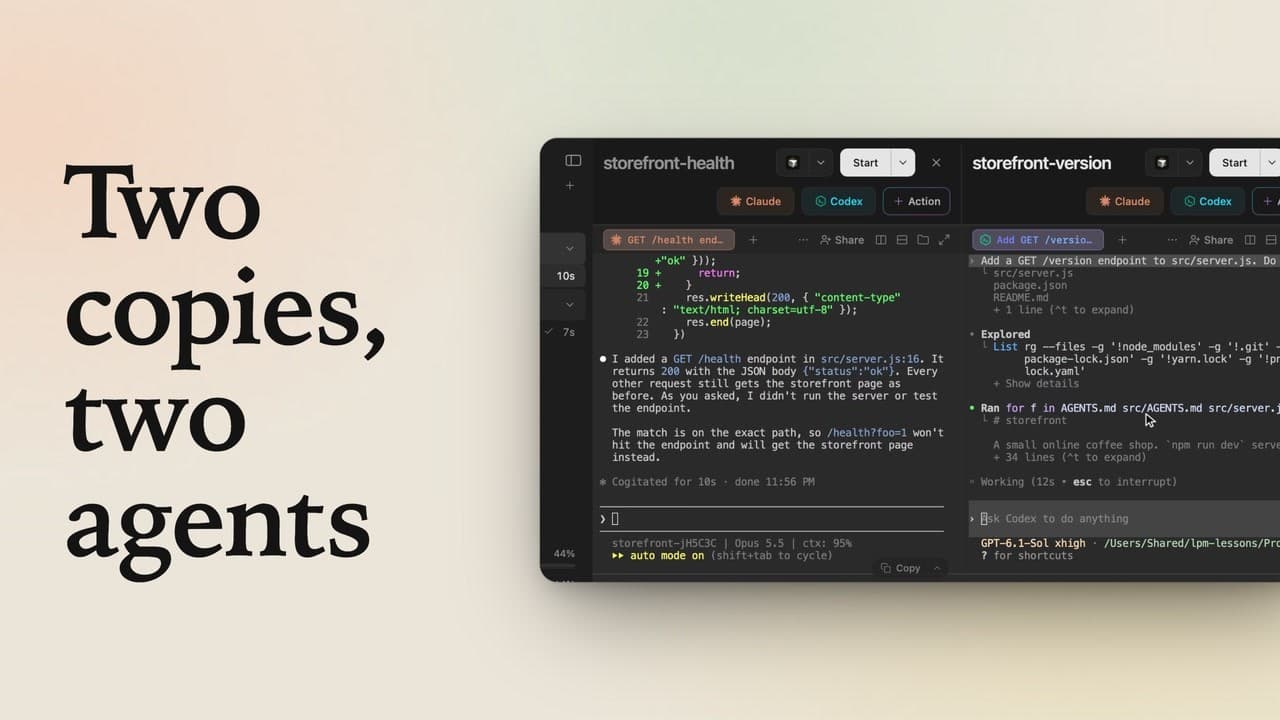
Claude Code and Codex come built into lpm, and any other AI coding agent you run in a terminal can join them as a button in the project header. Here Cursor's command line agent is added with + Action, a name and the command you'd type, then runs side by side with Claude Code in the same project, both answering the same question while the sidebar tracks each one. Gemini CLI, OpenCode or any other terminal agent works the same way.
Transcript
The narration, chapter by chapter. Pick a time to play from there.
Claude Code and Codex, built in
Cursor, Claude Code, Codex, whatever you use: add it to lpm as a button and run them side by side. Here's storefront: Claude and Codex sit in its header, one click each.
Add any agent as an action
To add another, like Cursor's command line agent, click plus Action. Name it Cursor, and type the command you'd run in a terminal: agent. It runs in a new terminal, as an agent should, so click Create action, and Cursor joins Claude and Codex in the header.
Run them side by side
Click Cursor: the real Cursor agent starts in its own tab, signed in as you. Click Split right, then Claude, and the two sit side by side. Ask both the same question in their prompt boxes: what does this project do?
Every agent in the sidebar
While they work, both show up under storefront in the sidebar, Cursor too, each with a clock. Both answer from the same folder, and each row gets a check when it's done. Gemini CLI, OpenCode, or any other agent works the same way: a name, a command, and it's one click away.