Get an answer as a video
2:27 · 5 chapters ·
In lpm, your coding agent can answer a prompt with a short narrated video instead of text. Turn on Video in the composer and ask as usual: the one-time setup, asking Claude Code and playing its video inside lpm, asking Codex the same question, and putting the audience and length in the prompt.
Transcript
The narration, chapter by chapter. Pick a time to play from there.
What it is
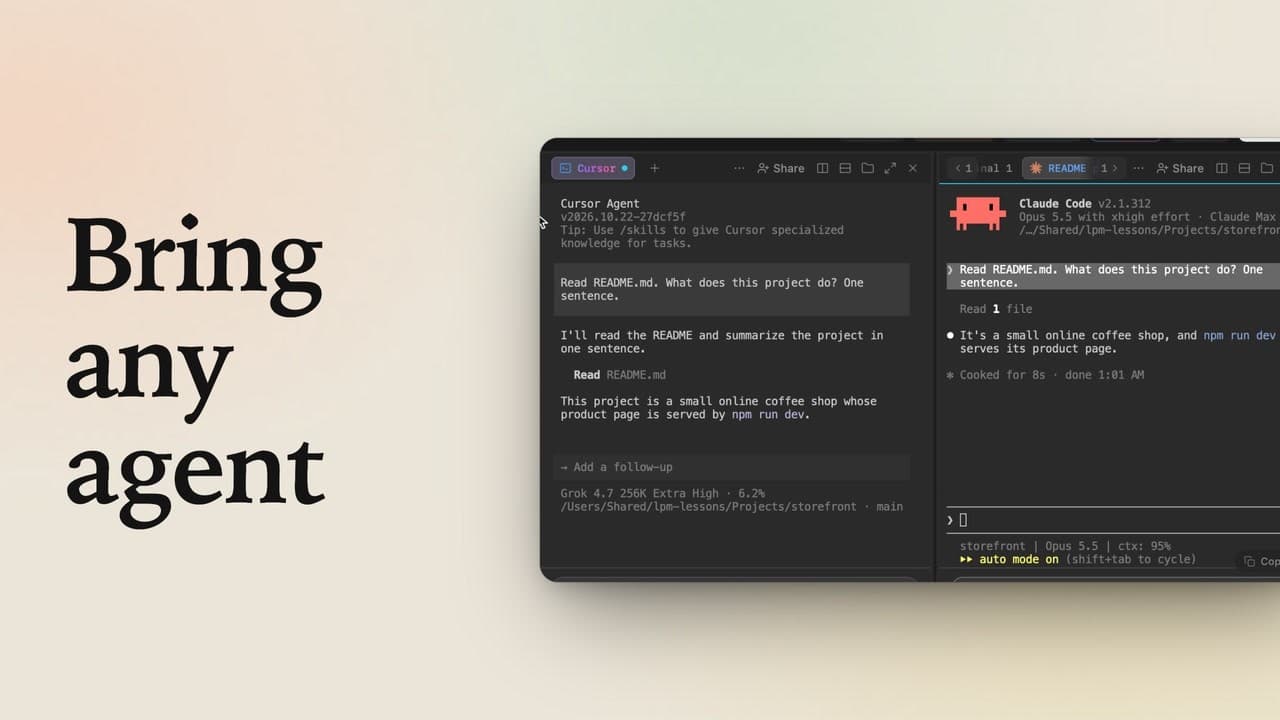
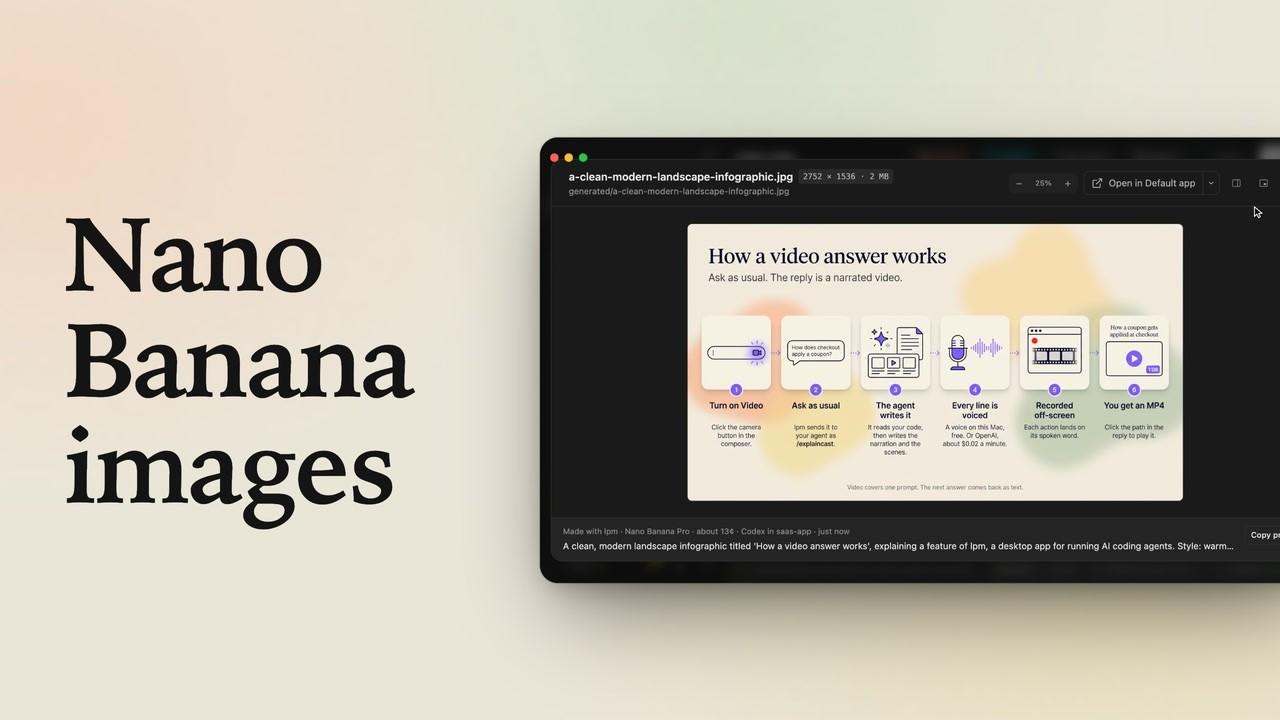
Some answers are easier to watch than to read. In lpm on a Mac, your coding agent can answer a prompt with a short narrated video, and it works in both Claude Code and Codex. Claude and Codex tabs both have a Video button in the composer. Hover over it, and a card shows the idea: you ask as usual, and the reply is a narrated video.
Set up once
The first time you click Video, lpm lists what this Mac still needs to make one. Click Install all, and it adds each part. That happens once, and it covers both agents. When it's done, Video turns on for this tab.
Ask Claude Code
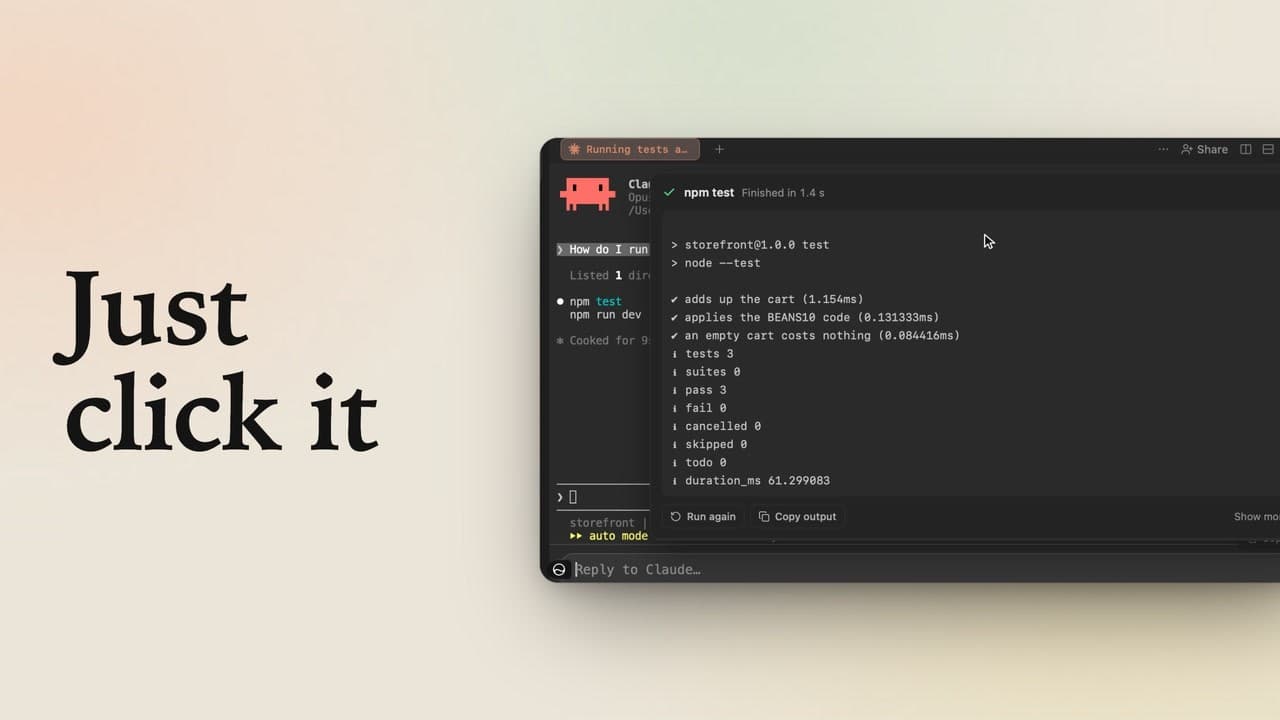
This is video request mode. The box turns violet and now asks Claude to make a video. Type your question the way you normally would. Notice that the Send button turns violet too, so go ahead and click it. lpm hands your question to the agent's video skill. In Claude Code, the request starts with a slash. The mode covers one prompt, so Video has already switched off. Claude does the rest on this Mac. It reads the code, writes a script, voices each line and records the video. A real run takes a few minutes, shortened here to a few seconds. The reply ends with the video's path. Click the path, and the video plays right here in lpm. It's a regular MP4 with a captions file next to it, ready to watch or share.
Ask Codex
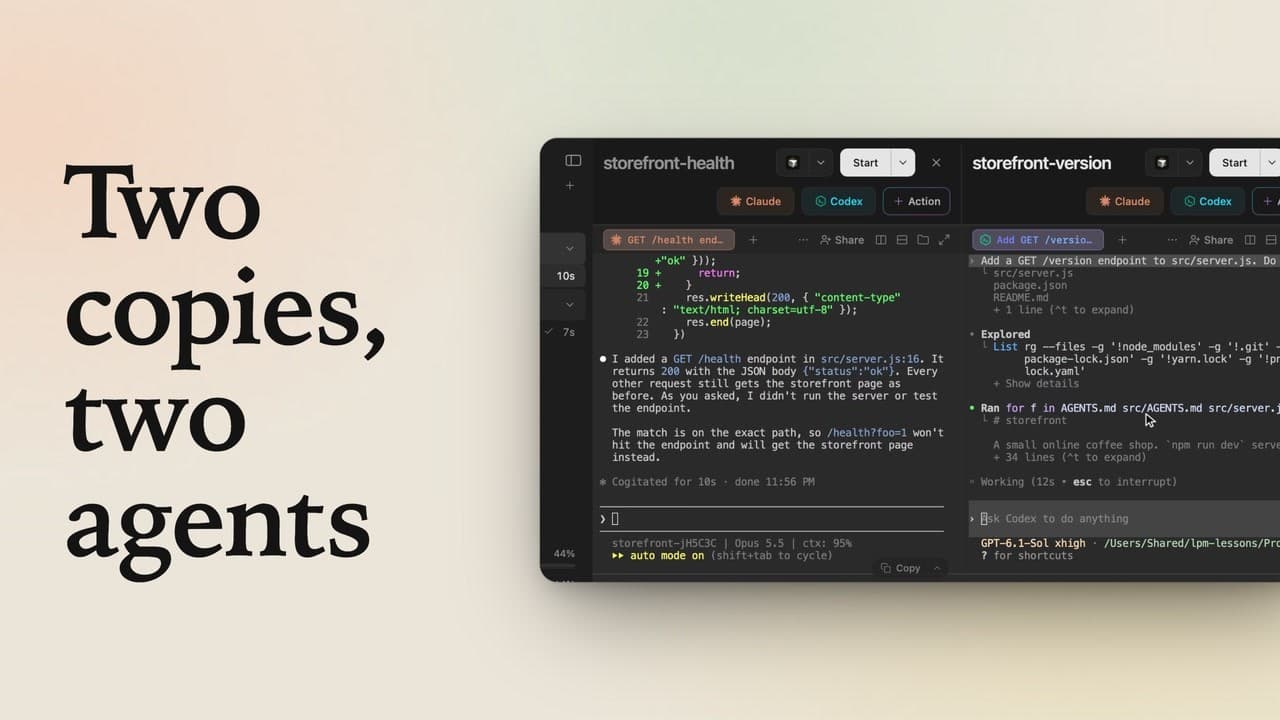
Now try the other agent. Close the video and click Codex. Its composer has the same Video button. Once again, click Video. Setup is already done, so it turns on right away, and this time the box asks Codex. Type the same question you asked Claude, then click the violet Send button. Codex calls a skill with a dollar sign, not a slash, so lpm writes the request that way. You never have to remember which is which. Codex records its own video and replies with its path, just as Claude did.
Add details
For another one, click Video again. Anything else you want goes in the prompt, like who the video is for, or how long it should be. So whether you're working with Claude or Codex, when an answer would be easier to watch, turn on Video before you send. And this video was made with the same workflow it shows: a click on the Video button in lpm, and a one-line prompt.