Switch accounts before a limit
2:11 · 5 chapters ·
With two Claude Code subscriptions on one Mac, lpm can move new Claude sessions to your next account by itself when one gets close to its 5-hour or weekly limit. Turn on Switch accounts automatically in Settings → Accounts & usage, confirm each account is yours alone, put your accounts in turn order, and choose whether lpm asks first or switches on its own. Sessions already running stay on their account; only new ones move, and they go back to the first account once its limit resets.
Transcript
The narration, chapter by chapter. Pick a time to play from there.
Two accounts, one running low
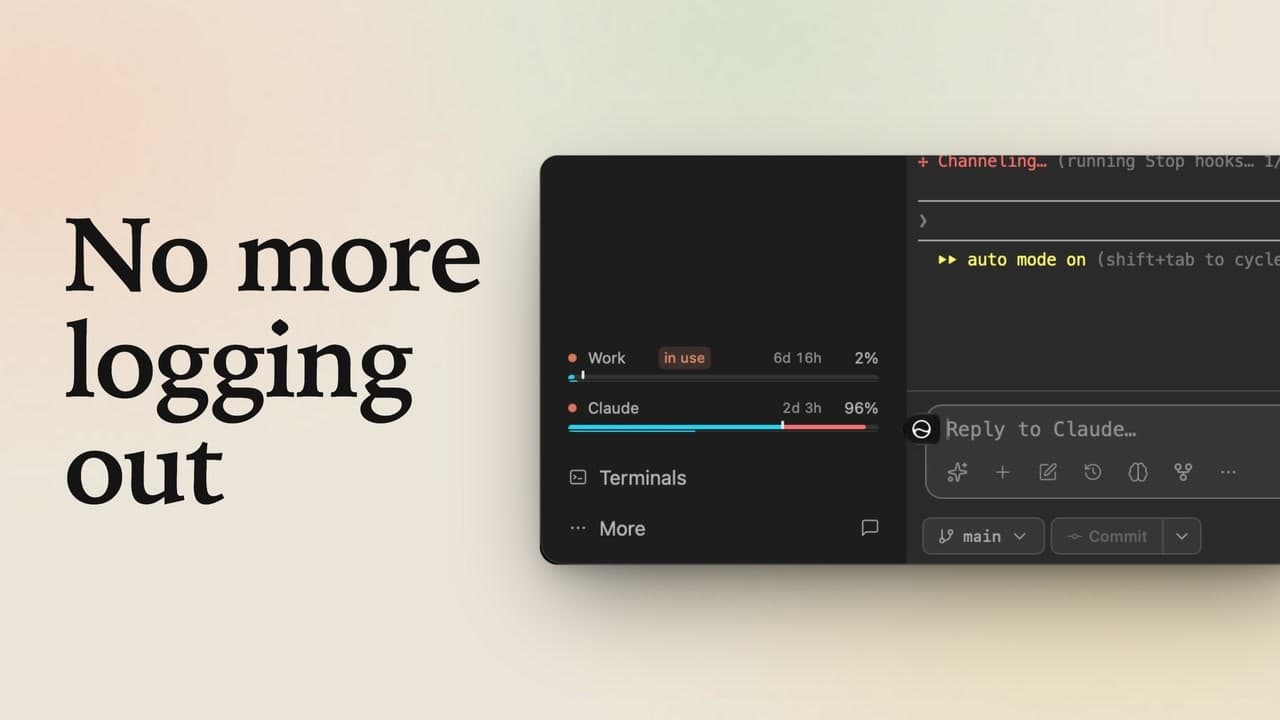
One Claude account almost out for the week? lpm moves your new sessions to the next one on its own, and tells you why. Down in the sidebar, the Claude line is your main login, at 88% of its week, and it's tagged in use: storefront's new sessions run on it. Work, above it, is a second account, barely used.
Turn on switching
Instead of switching by hand when one runs low, let lpm do it. Open More, then Settings, and go to Accounts & usage. Further down, turn on Switch accounts automatically. First, lpm asks you to confirm that each account is yours alone, and the note says why: Anthropic hasn't said whether switching is allowed. Tick Only mine, and click Turn on.
Turn order and the 90% rule
Under Turn order, only your main login takes turns so far. Turn Work on, confirm it's yours too, and click Add. New sessions start on the first account in the list that's under 90% of its 5-hour and weekly limits. Your main login is first, at 88%, so it still gets them. Before switching, lpm asks you first, with a note in the sidebar. To let it move on by itself, pick Switch on its own.
Watch it switch
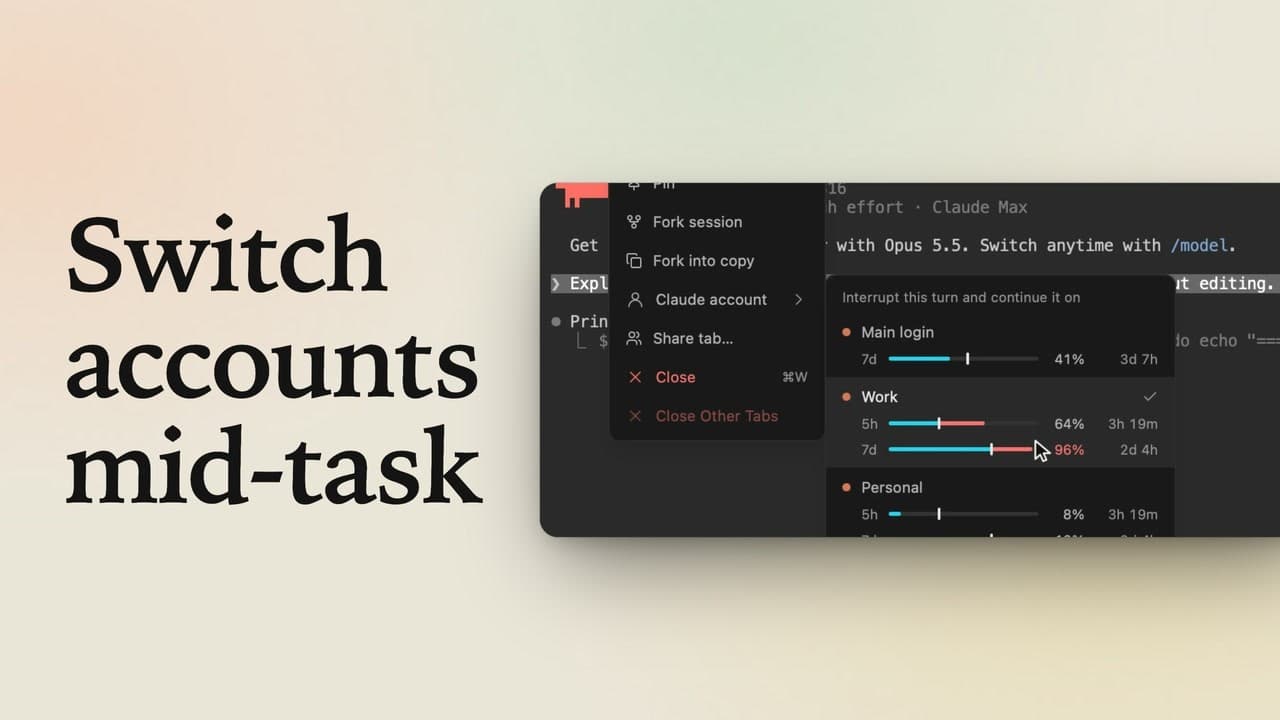
Back in Projects, Work is tagged pool: it's next in line. Click Claude in the header, ask what this project does, and send it. Say that reply takes your main login past 90% of its week. lpm moves new sessions to Work on its own, and tells you why. The in use tag moves to Work. The session that's already open keeps going on your main login. Open Claude again, and this new session starts on Work.
When the week resets
When your main login's week resets, it's back under 90%, and new sessions return to it, first in the list. And an account that hits a limit outright is skipped until it resets.