Several Claude Code accounts
2:10 · 5 chapters ·
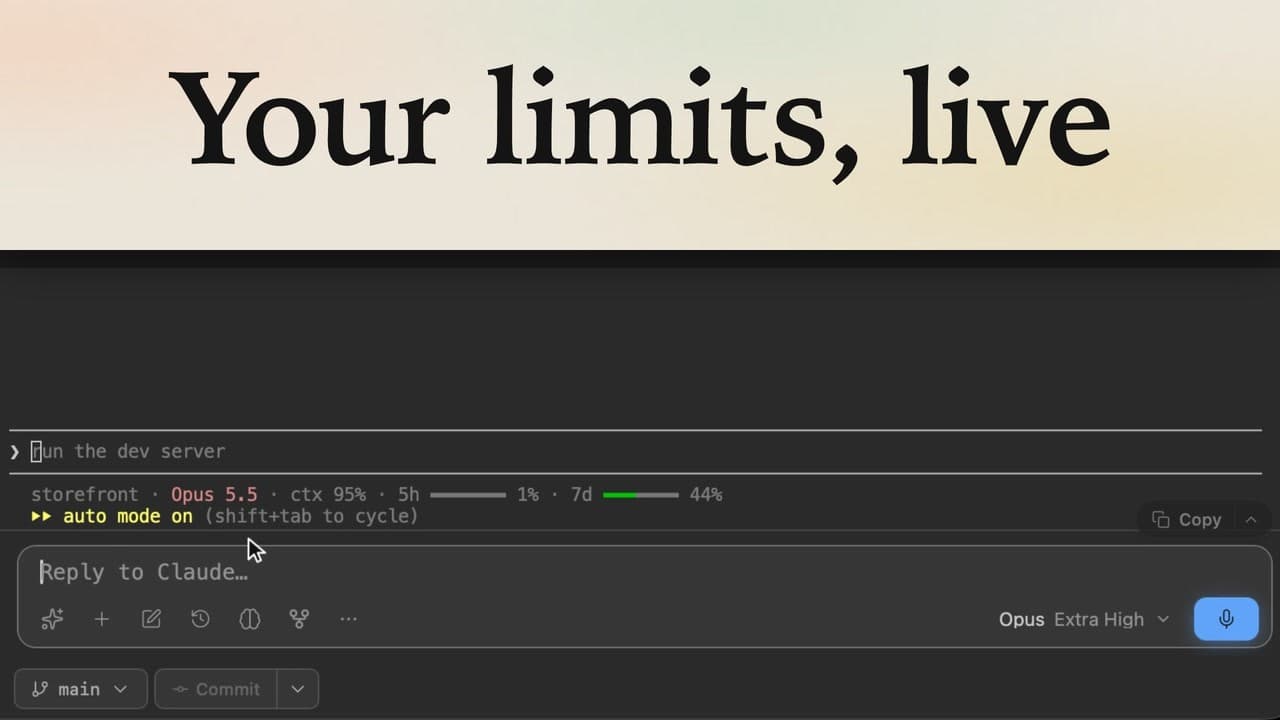
Claude Code keeps one login per Mac, so a second subscription usually means /logout, /login, and every terminal moving with you. lpm keeps a separate login for each Claude account, lets every project pick the account its sessions run on, and shows each account's 5-hour and weekly limits, so you can move a project to another account when one runs low.
Transcript
The narration, chapter by chapter. Pick a time to play from there.
Two Claude accounts on one Mac
Two Claude Code subscriptions on one Mac: each project runs on its own account, and you never log out. Claude Code keeps one login per Mac, so a second subscription means logging out and back in. Down in the sidebar, the Claude line is your main login, and it has used 96% of its week.
Add a second account
To add a second one, open More, then Settings, and go to Accounts & usage. Your main login is already on the list. Click Add, pick a name like Work, and confirm with Add and sign in. Claude Code's own sign-in opens, just for this account. Finish it in your browser, and once you're in, the bar turns green, so click Done. Work keeps a login of its own, so your main login stays signed in. And each account has its own limits.
Pick an account per project
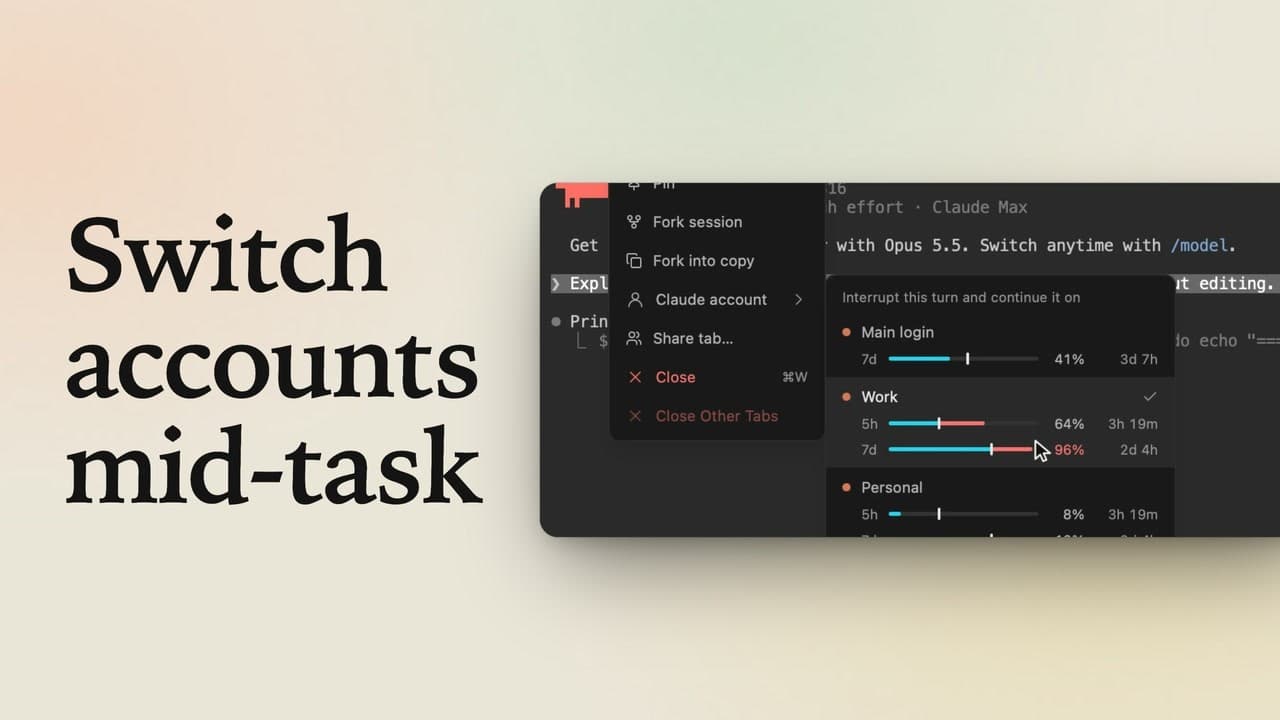
Now go back to Projects and choose who uses Work: click the three dots next to storefront, then Claude account. Main login has used 96% of its week, and Work is fresh, so pick Work.
Two accounts at once
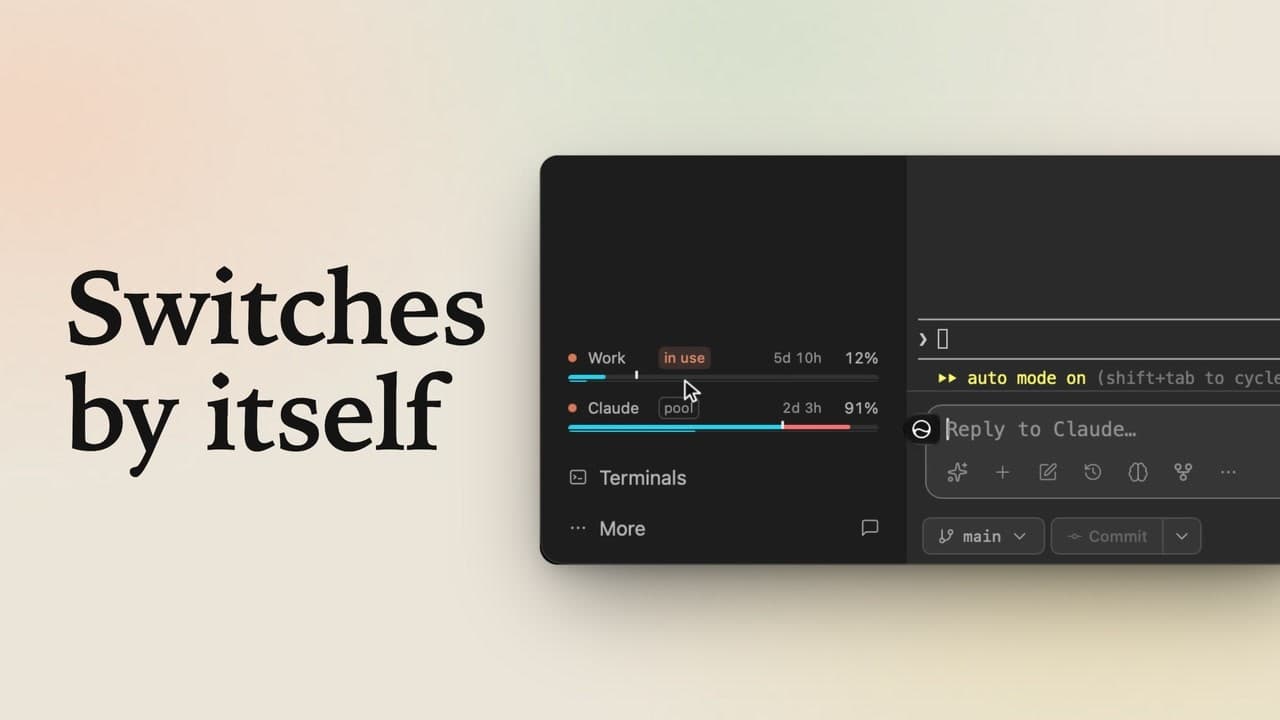
New Claude sessions in storefront now run on Work. Click Claude in the header, ask what this project does, and send it. Claude answers from Work. In the sidebar, Work gets its own meter, and it's tagged in use: that's storefront's account. Now click client-portal. It's still on your main login, so the tag moves to Claude. Open Claude here too. Two projects on two subscriptions, side by side, and you never logged out.
Switch when one runs low
But your main login has almost no week left. To move client-portal over, right-click Work's line in the sidebar, and choose Switch to Work. The tag moves to Work. The session that's already open keeps its login, and every new one starts on Work. When your main login resets, switch back the same way: each project stays on the account you pick.