Run agents on a remote server
2:00 · 4 chapters ·
Run Claude Code and Codex on a remote Linux server and work with them from lpm on your Mac: click + above your projects, choose Server, type what you'd type after ssh, and lpm installs itself there and pairs over SSH. The server's projects show in your sidebar and open like local ones, while the agents run on the server.
Transcript
The narration, chapter by chapter. Pick a time to play from there.
Two ways to add a server
Your agents don't have to run on your Mac. Connect a server once, and Claude Code and Codex work there, right from the sidebar in lpm. Click the plus above your projects, and choose Server. There are two ways in. Install lpm there runs lpm on the server itself: its agents keep working while your Mac sleeps, and every project on it shows in your sidebar. Just SSH in installs nothing, and opens one folder, run from your Mac. For agents, choose Install lpm there.
Connect the server
Type what you'd type after ssh, here root at dev-server, and click Connect. If lpm isn't on the server yet, it installs itself, then pairs over SSH. On a new server, that first setup takes a few minutes. Connected. dev-server gets its own section in your sidebar, and lpm goes straight on to adding a project there.
Add a project on the server
Pick Local folder, open notes-api, a folder that's already on the server, and click Add project. It opens like any project, with its own terminals and agents, but all of it runs on dev-server.
Claude Code and Codex on the server
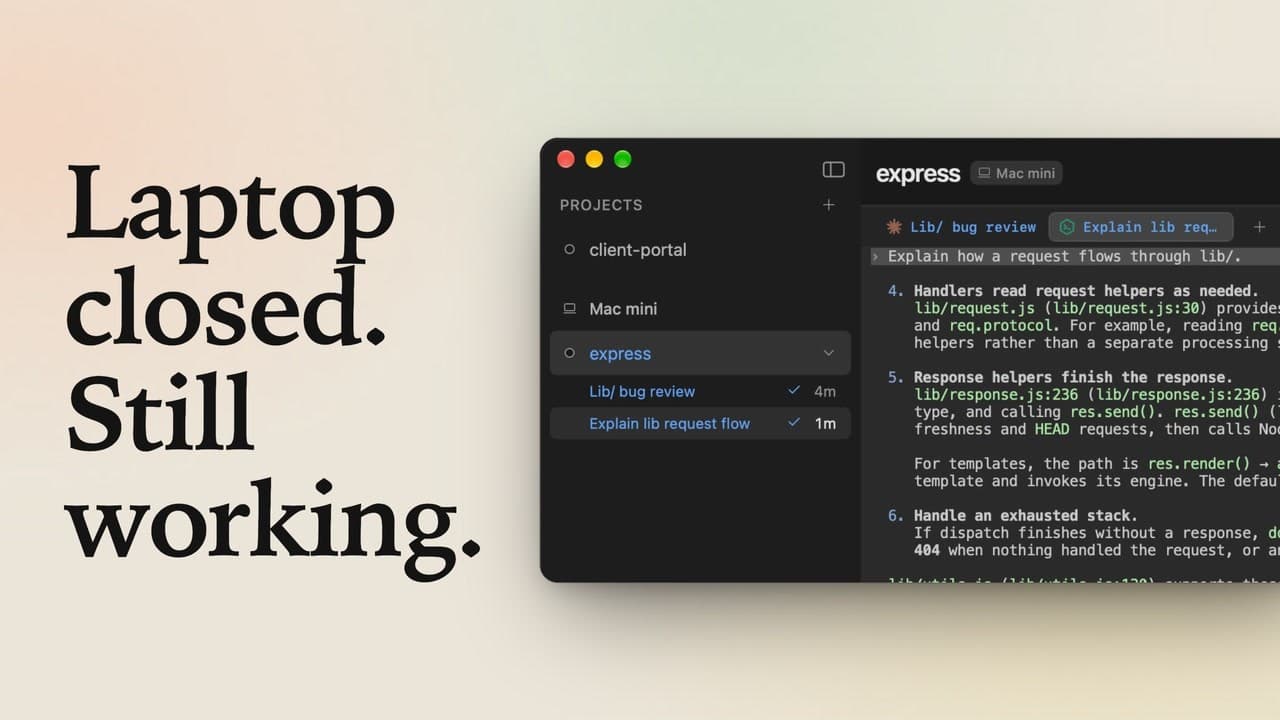
Click Claude in the header, ask what this API does, and send it. Claude Code is running on dev-server, in the project's folder there, and answers from the files it finds. Now click Codex, ask it to list the routes, and send that too. Codex lists them. Two agents, both on the server: in the sidebar, each one sits under dev-server, with a check once it's done. That's a server in lpm: connect it once with what you'd type after ssh, add its projects, and run Claude Code and Codex there.