Keep agents running with the laptop shut
1:47 · 6 chapters ·
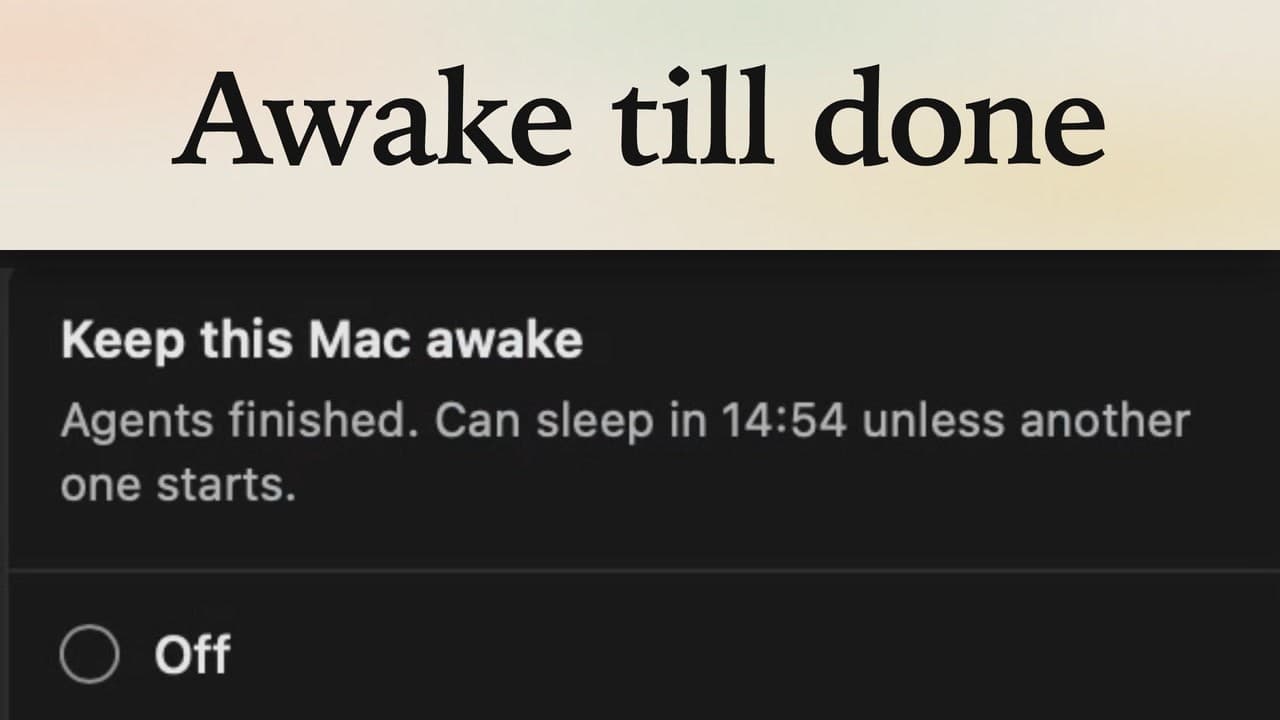
Close your laptop and Claude Code stops. Run it on an always-on machine with lpm instead, a Mac mini or a Linux server, and it keeps working: connect the server, start Claude Code and Codex there, close the lid, and come back to finished work.
Transcript
The narration, chapter by chapter. Pick a time to play from there.
Intro
Close your laptop, and Claude Code stops. Run it on an always-on machine instead, and come back to finished work.
Why a server
Agents in lpm run on this Mac, so closing the lid stops them. An always-on machine, like a Mac mini or a Linux server, keeps them going while you're away.
Connect the server
On your laptop, click the plus and choose Another computer. lpm finds the invite you copied on the Mac mini, so just click Connect. Its projects now show in your sidebar, under its name, so open express and work in it.
Start the agents
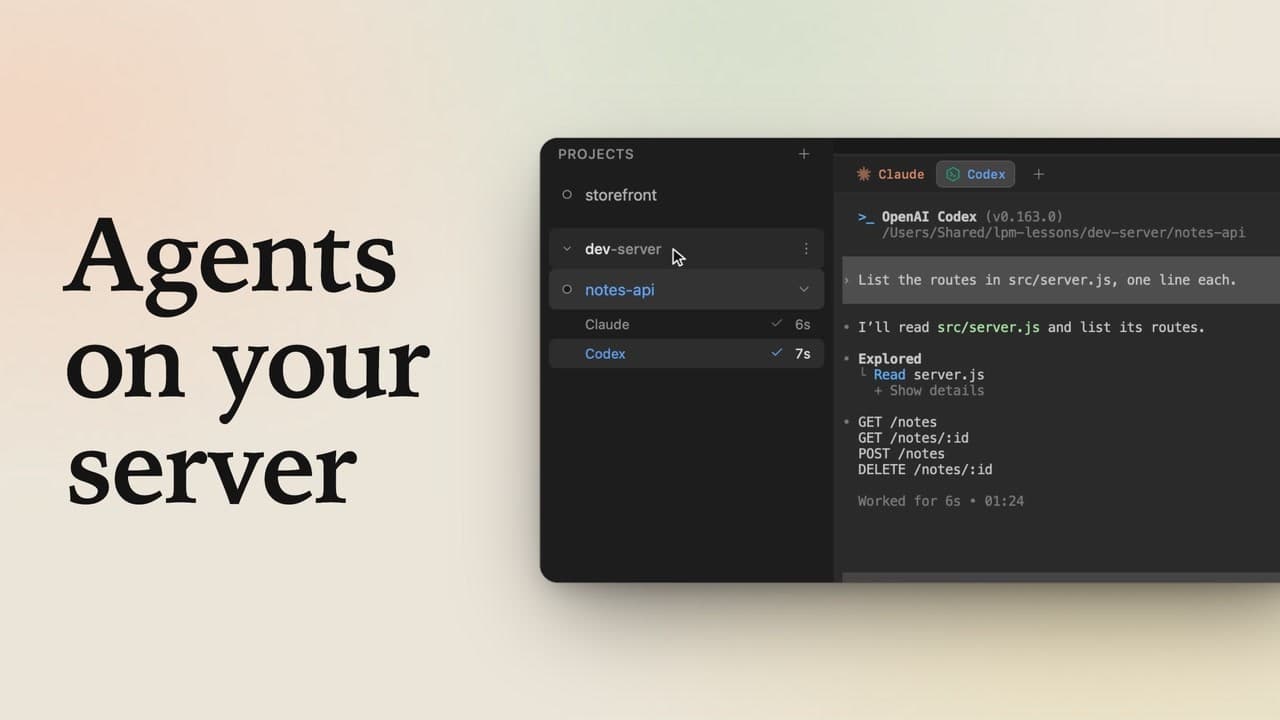
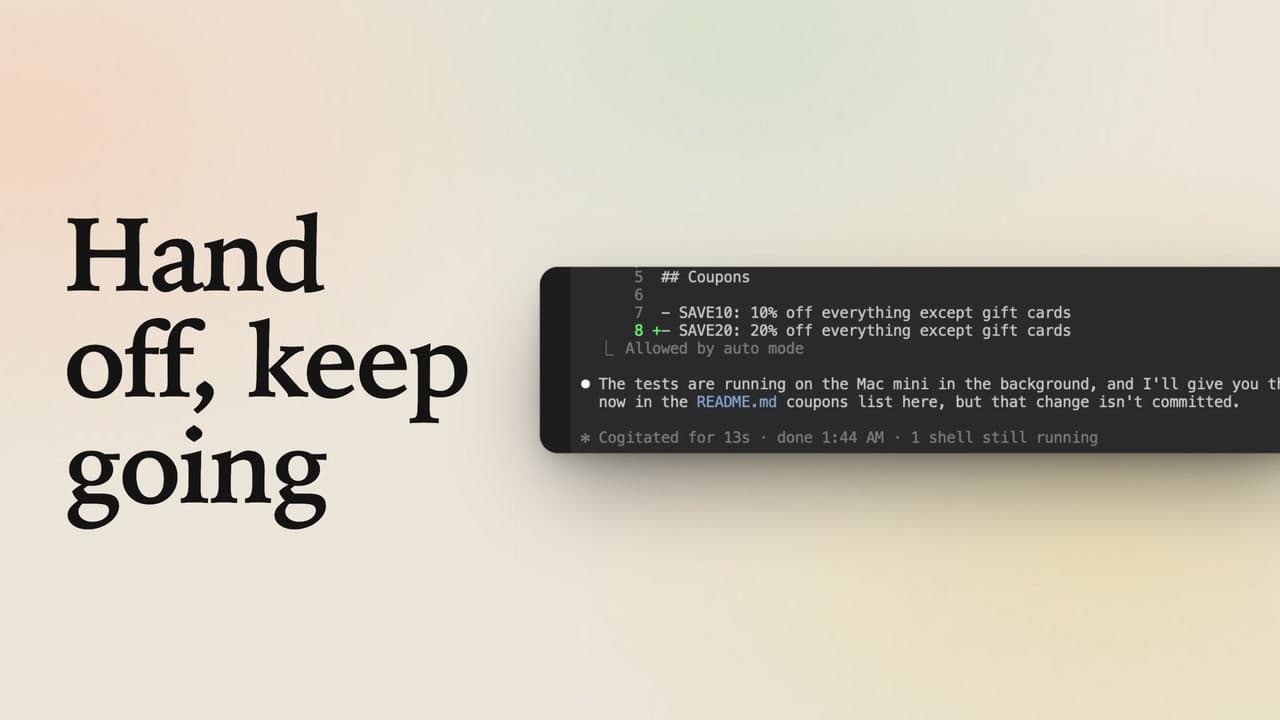
Click Claude in the header and give it a long job, like a bug review of the code. Send it, and it runs on the Mac mini, not on your laptop. Click Codex and give it one too, like explaining how a request flows through the code. Send it, and both agents work side by side.
Close the laptop
Now close the laptop. Here, a switch stands in for the lid: in Settings, under Connections, disconnect from the Mac mini. Meanwhile, both agents keep working on the Mac mini.
Come back
Back at your desk, switch it back on, and lpm reconnects. Both agents finished while you were away. The check means done, and the time shows how long each one worked. Codex's answer is right here, and Claude's review is one tab over, both in sessions still running on the Mac mini. Your agents now live on an always-on machine, so the work goes on with your laptop closed.