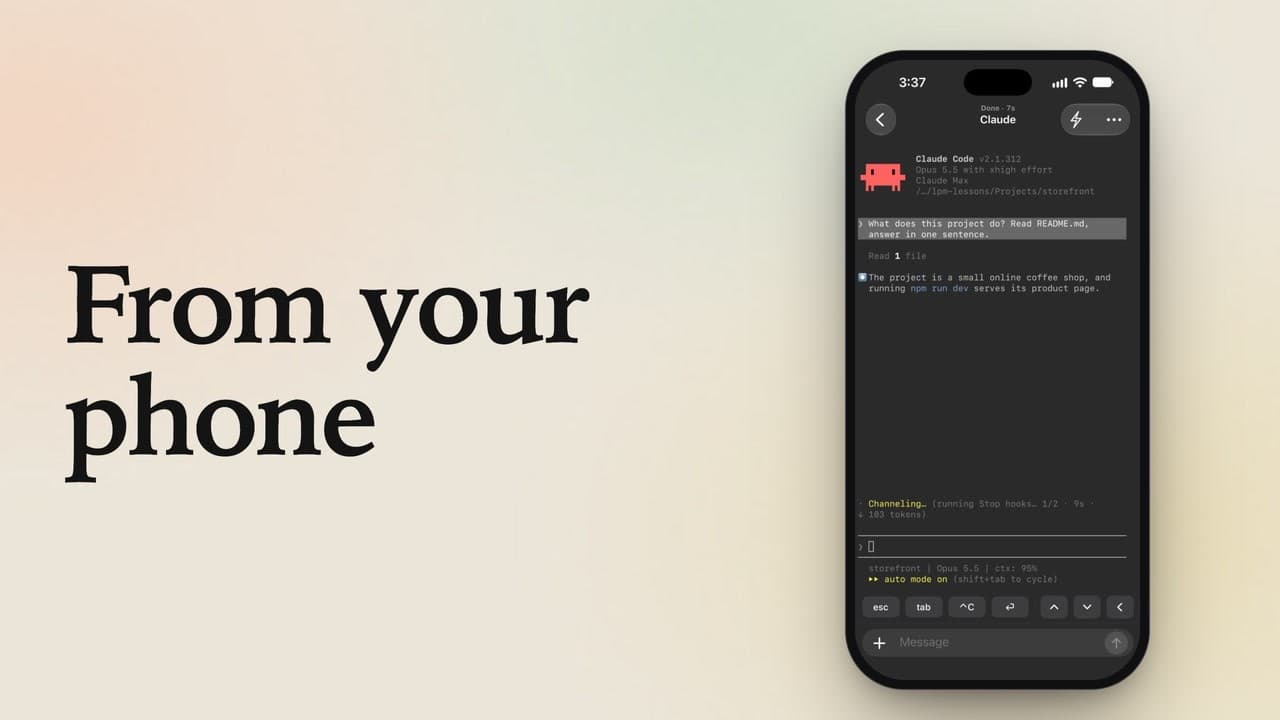
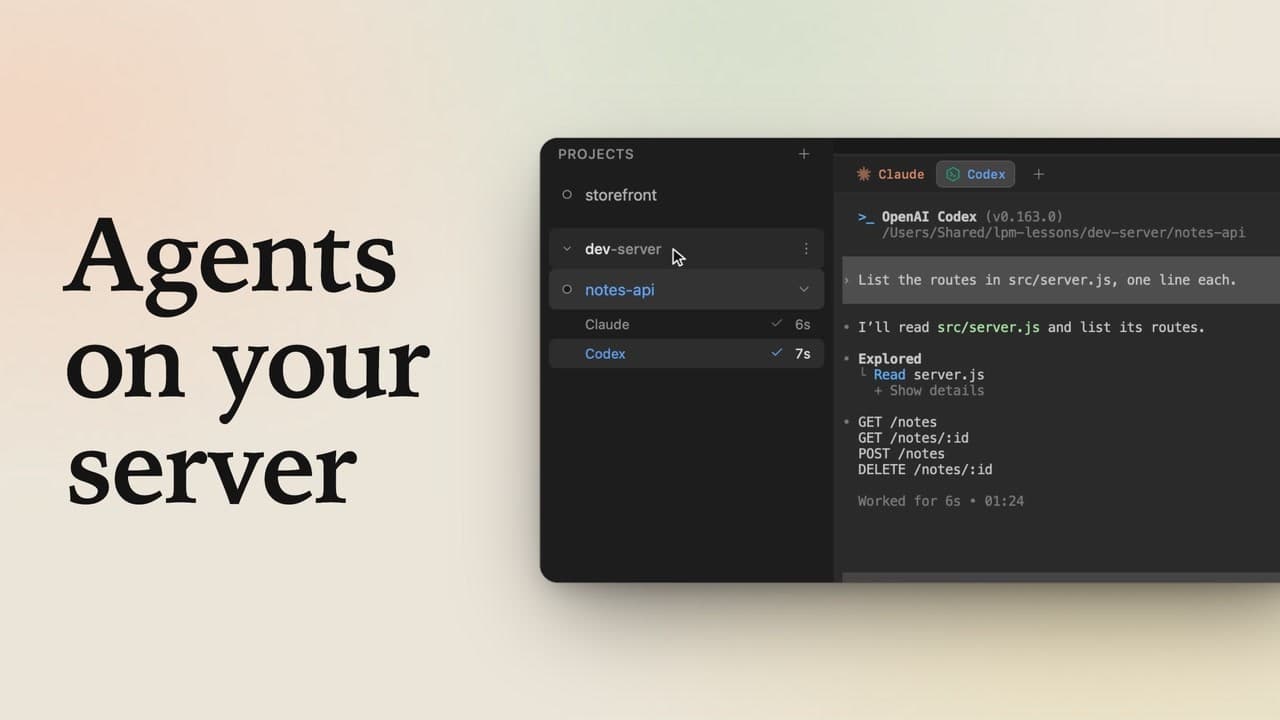
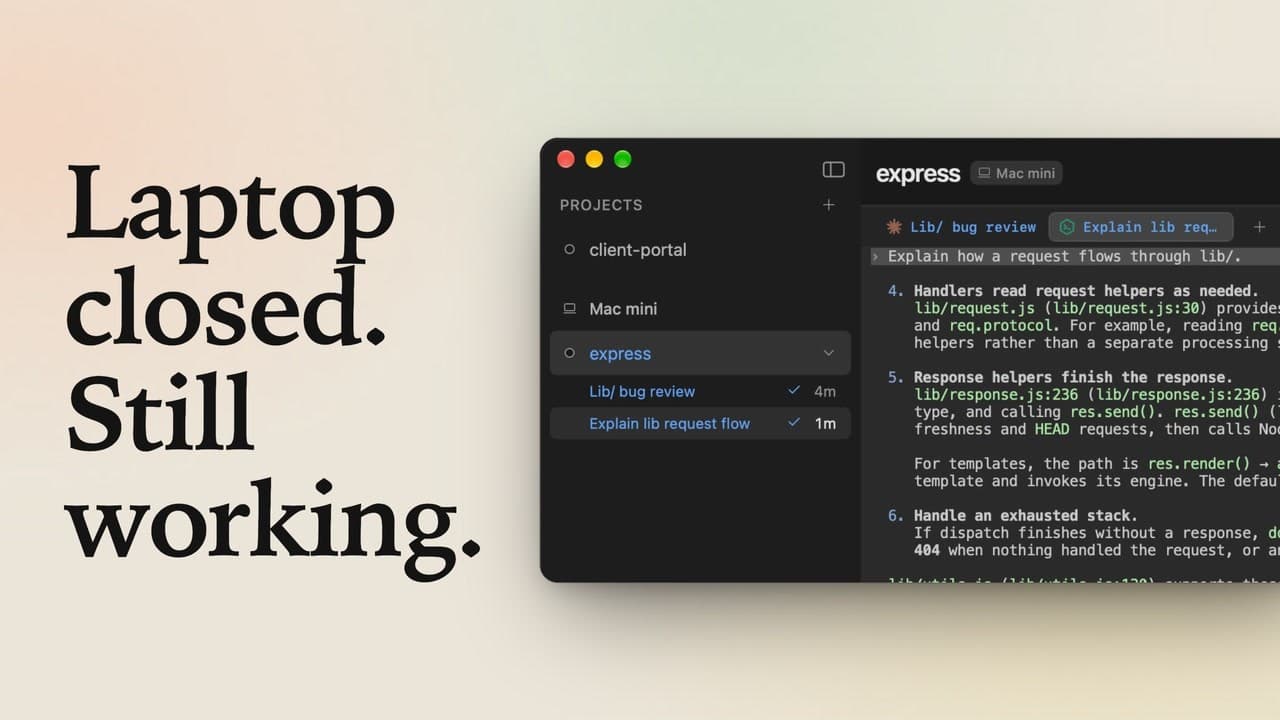
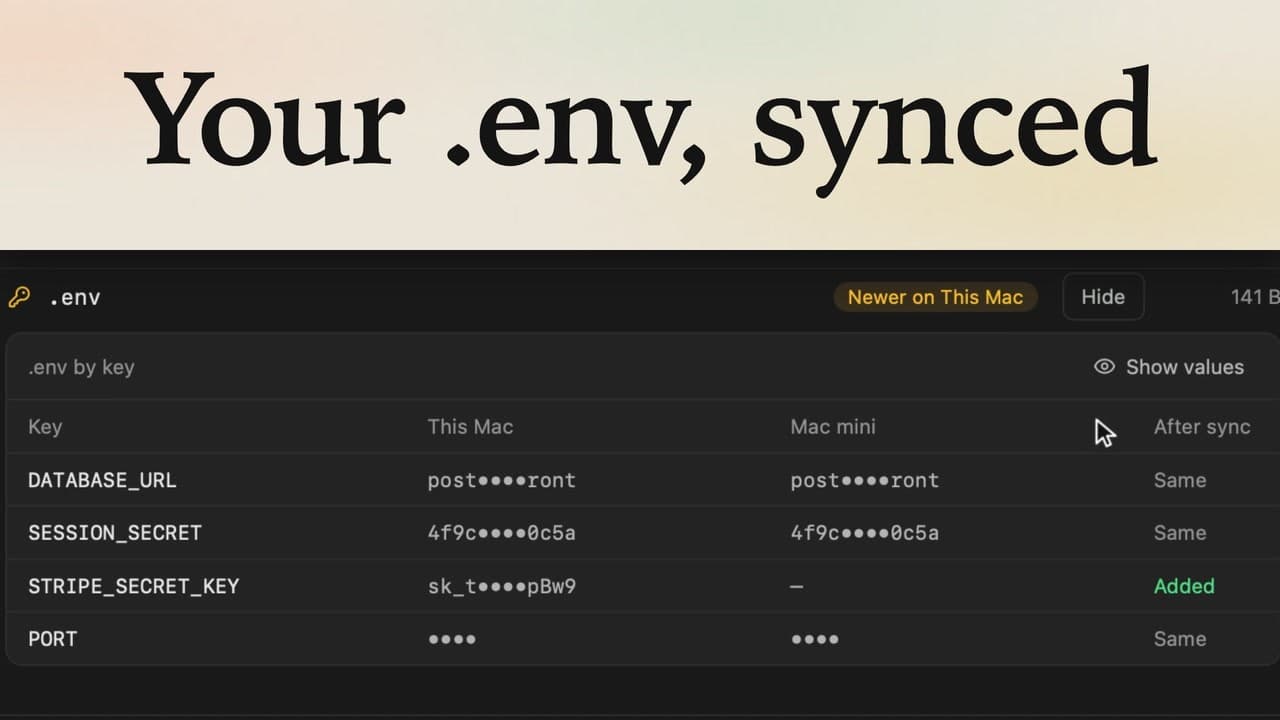
Share a terminal in a browser
1:55 · 6 chapters ·
Share a Claude Code terminal tab from lpm with anyone: they follow it live in their browser with nothing to install, and type in it with you once you let them. Click Share, send the link, check the four emoji, let them in, and stop sharing whenever you like.
Transcript
The narration, chapter by chapter. Pick a time to play from there.
Intro
Share your Claude Code tab with a link: your teammate watches it live in their browser, and types in it when you let them.
Share a tab
On the left is your Mac: click Claude to start Claude Code in storefront. On the right, your teammate has just a browser, no lpm. Click Share, at the top right of the tab. lpm makes a link and copies it for you, so send it to your teammate in a chat or an email.
Join from a browser
Your teammate opens the link. With lpm installed, Open lpm takes them straight in; without it, they click Join in browser. They type their name, and click Ask to join. lpm asks you first. Both screens show the same four emoji, so you can check it's really them, then click Let in.
Watch it live
Your teammate now sees your tab live, but can't type in it. Ask Claude how checkout totals are calculated, and send it. The answer shows up in their browser at the same moment, encrypted all the way, so lpm's relay in between can't read it.
Let them type
To help out, they click Ask to type, and on your Mac you click Let Sam type. Now they send Claude a follow-up, right in your session. The keys under their box answer Claude's questions, Control C included. Claude answers in both places, and you see every word they typed.
Stop sharing
Click Share again to see who's in: Can type takes typing back from one person, and Stop sharing ends it for everyone. Their browser shows right away that you stopped sharing. Share a tab, send the link, let each person in yourself, and choose who can type. All your teammate needs is a browser.