Run Claude Code from your iPhone
2:52 · 6 chapters ·
Run Claude Code on your Mac from your iPhone, at home or on cellular. Step by step: turn on Remote control in lpm, set up Built-in Tailscale on the Mac and in the free lpm Link app, pair the two, send Claude Code a prompt from your phone, take the session back on your Mac, and reconnect away from home.
Transcript
The narration, chapter by chapter. Pick a time to play from there.
Intro
Send Claude Code a prompt from your iPhone, and it runs on your Mac, at home or on cellular.
Turn on Remote control
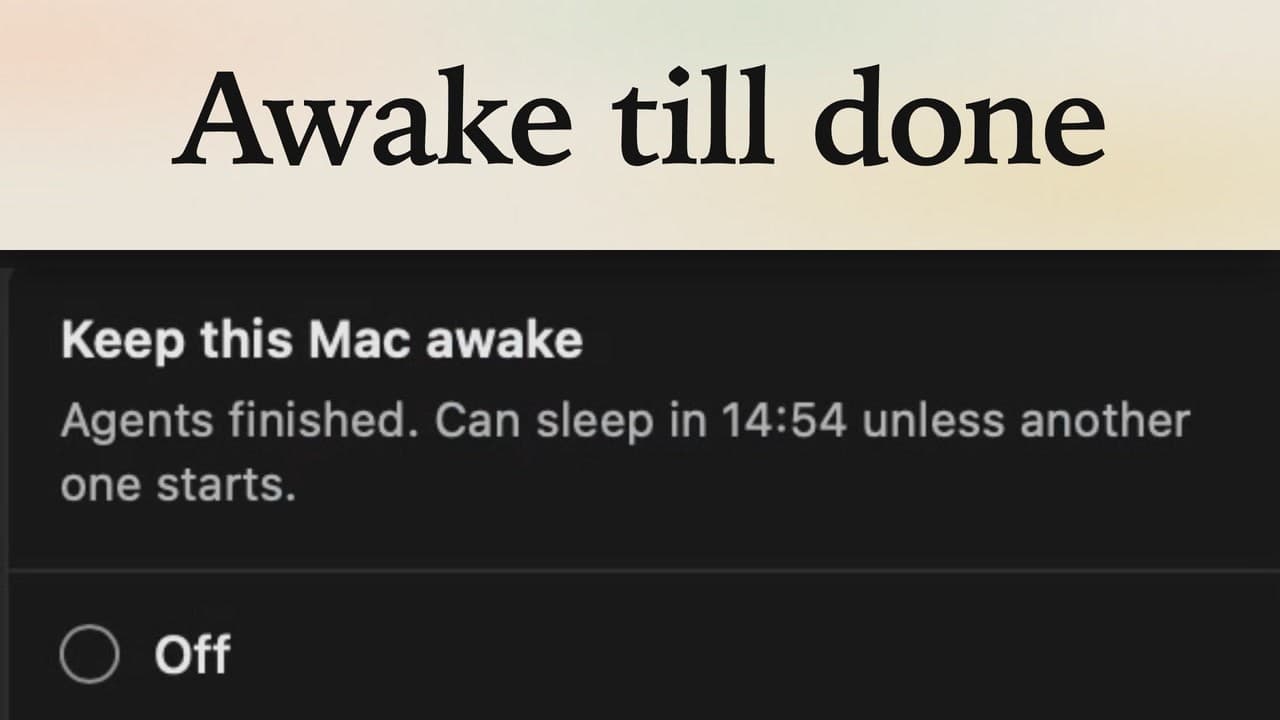
On the Mac, click the plus above your projects, and choose Phone. On the iPhone you need lpm Link, free on the App Store. Turn on Remote control, and lpm Link can reach this Mac on your Wi-Fi, while it's awake with lpm open.
Set up Built-in Tailscale
Away from home, your phone can't reach it. Built-in Tailscale fixes that: one private network for your Mac and iPhone, encrypted end to end, with no Tailscale app and no ports to open. On the Mac, click Set up, then Sign in with Tailscale. Your browser opens Tailscale's sign-in page, and a personal account is free. Once you're in, the Mac is on your private network, with an address of its own. Now the iPhone. In lpm Link, tap Set up Built-in Tailscale, turn it on, and tap Sign in with Tailscale. Sign in with the same account you use on the Mac. Both now show it, so they're on one private network, and you can tap Done.
Pair the iPhone
Now pair: your Mac shows up under On this Wi-Fi, so tap it. The Mac asks to let this iPhone in. The codes on both screens match, so it's really your phone: click Allow. lpm Link is connected, and Away from home says Ready. Tap Done, and your Mac's projects are on the phone.
Run Claude Code from the iPhone
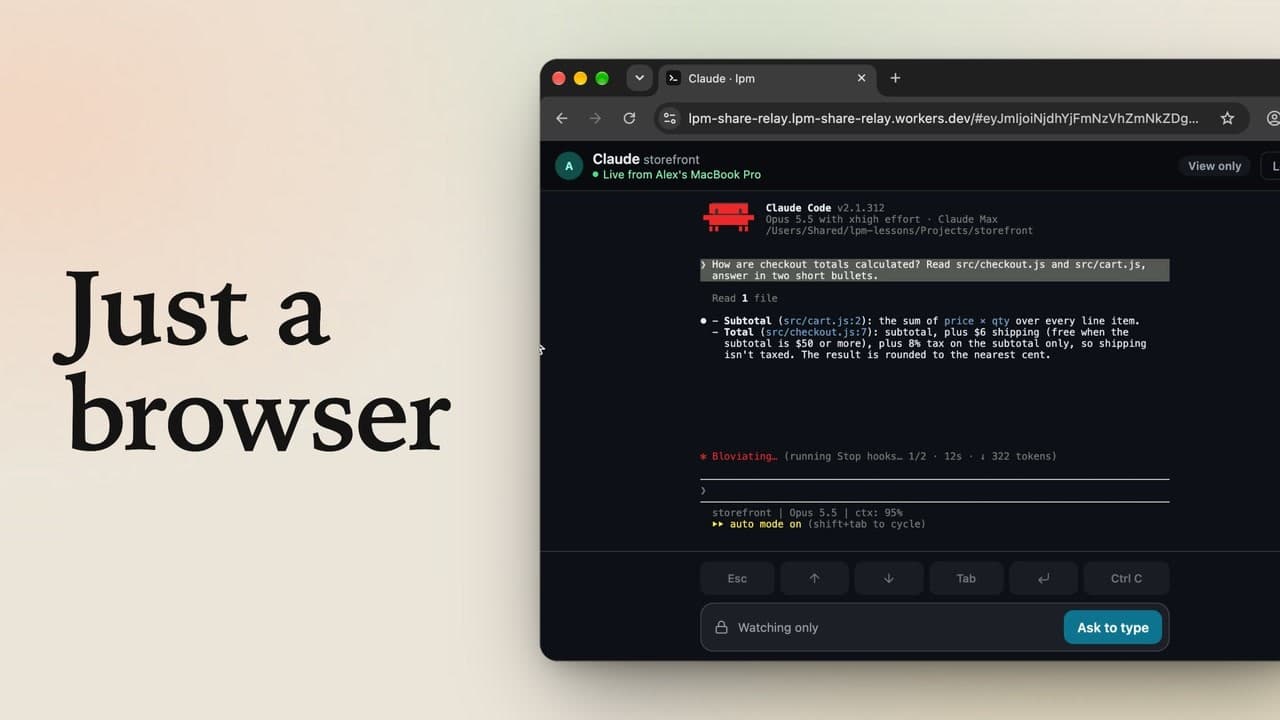
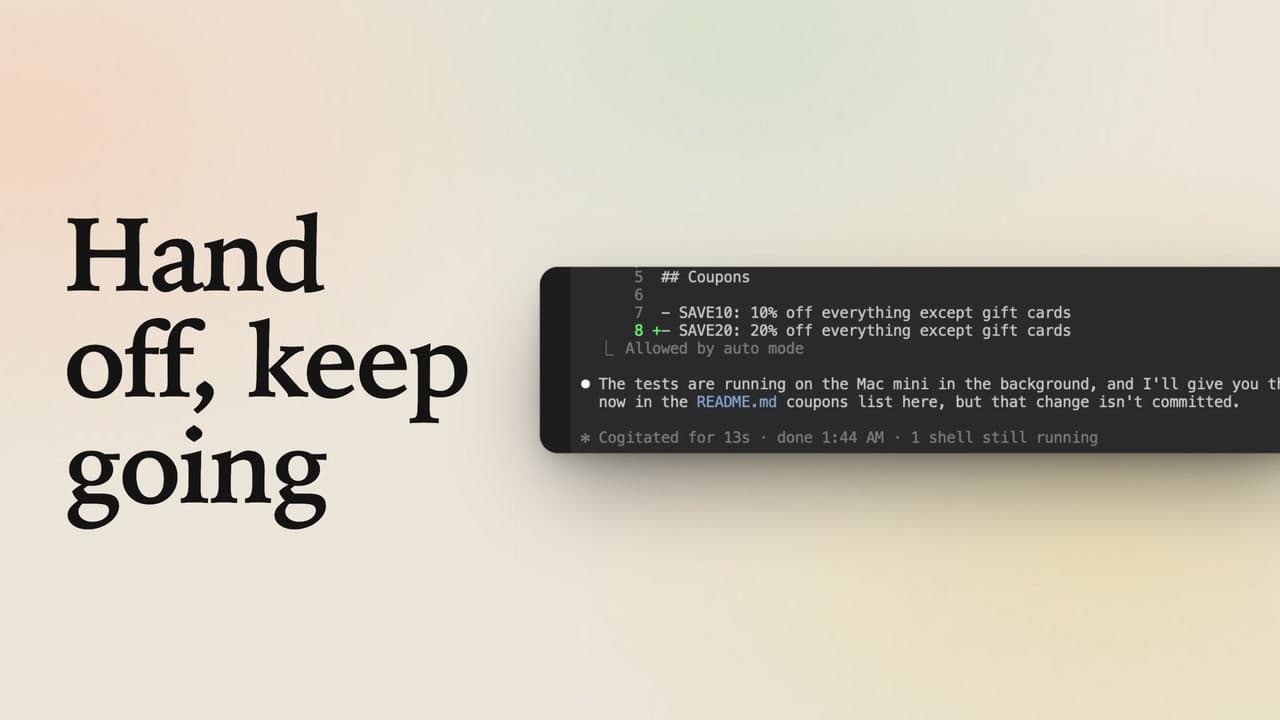
Now for Claude Code. On the Mac, open storefront, and click Claude to start a session. On the phone, tap storefront, then its Claude tab. The session is still on the Mac, so tap Take control, and the Mac shows it's active on your iPhone. Type a prompt, like what does this project do, and tap send. Claude Code runs on your Mac, and the answer shows up right on your phone. Back at the Mac, click Take control, and the session moves back.
Use it away from home
Now say you leave home, and your phone is on cellular: open lpm Link. It can't reach the Mac directly, so it connects over Tailscale on its own, and your projects and sessions are right there. Remote control on the Mac, Built-in Tailscale on both, one pairing, and Claude Code goes wherever your phone does.