Edit and add services
2:09 · 6 chapters ·
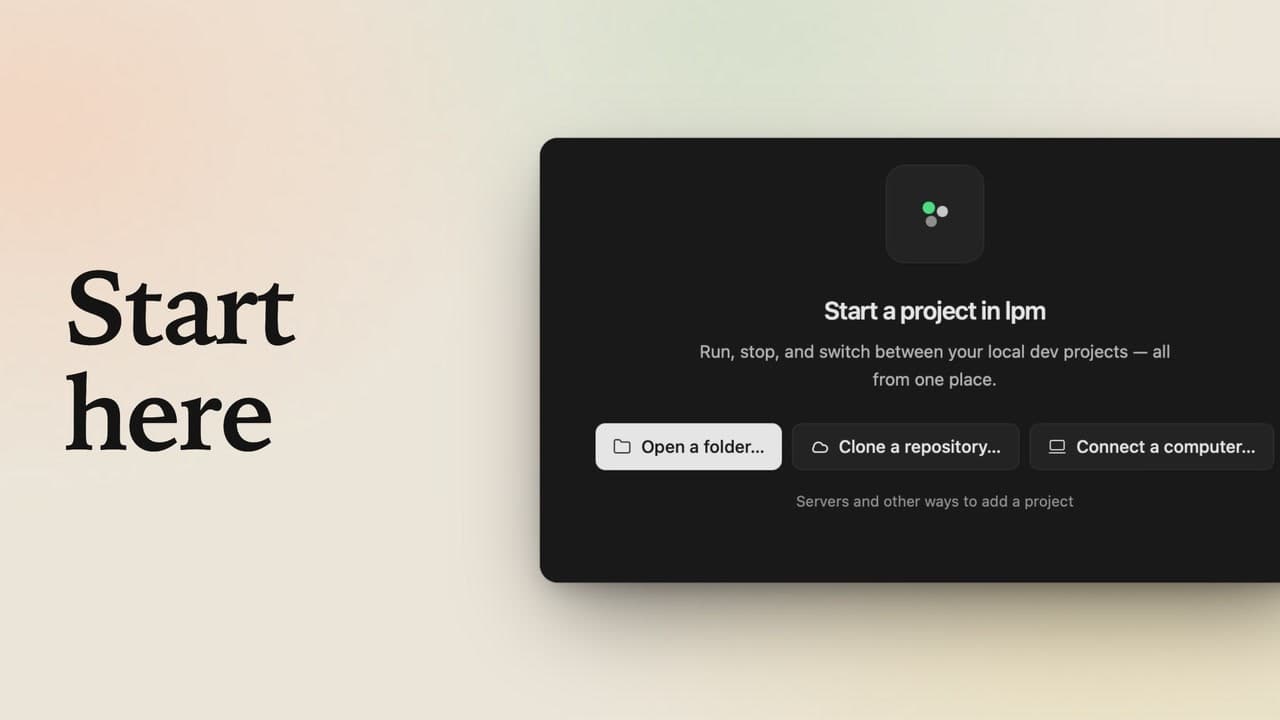
When you add a project, lpm turns its dev command into a service, a command it keeps running while you work. This video fixes that service in a form (open the menu next to Start, click the pencil, set the port it serves on, and choose what happens when the port is busy), then adds the API lpm missed, starts both with one click, and opens the running shop right inside lpm.
Transcript
The narration, chapter by chapter. Pick a time to play from there.
Intro
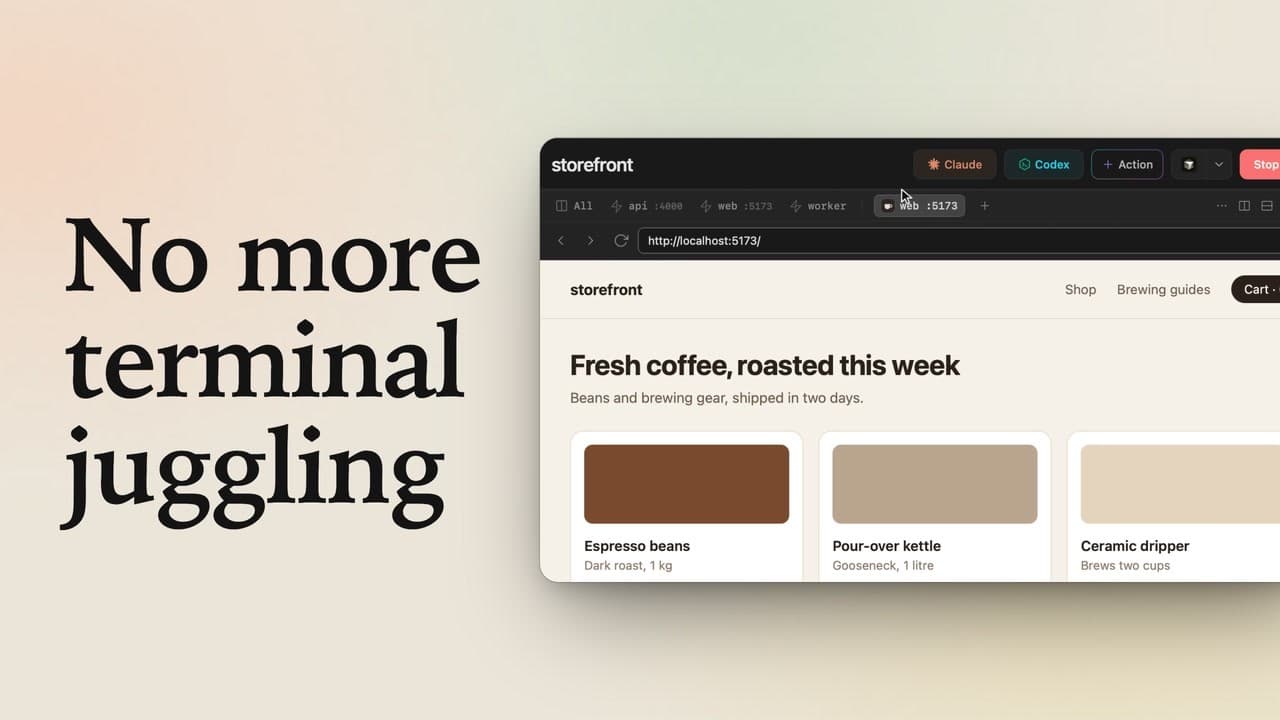
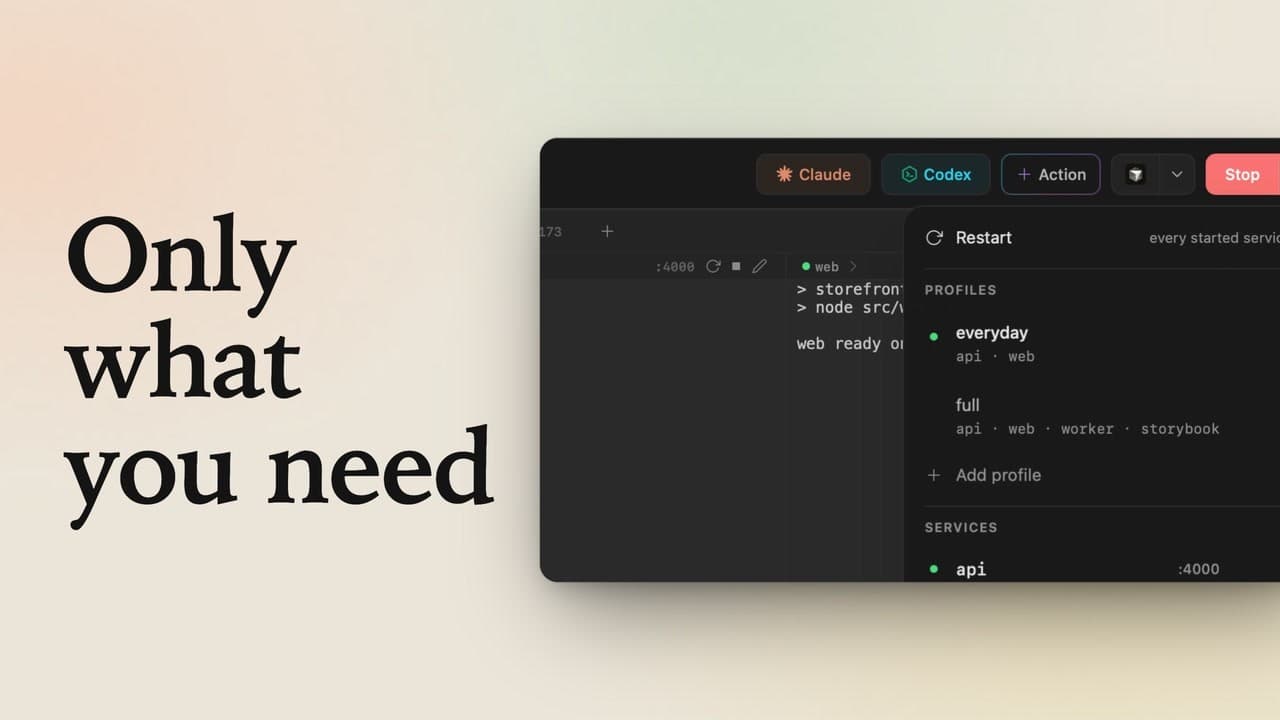
Your project runs a web server and an API? Tell lpm about both, and one click starts them together. A service is a command lpm keeps running for your project, like a dev server. The menu next to Start lists them. When you added storefront, lpm found its dev command and made it a service called web. Two things are missing: its port, and storefront's API.
Edit a service
Hover web, and a pencil appears on the right. Click it to edit the service. The form shows what lpm found: the name, web, and the command, npm run dev, just what you'd type in a terminal.
Set the port
Under Advanced, type the port it serves on. The gray 3000 is only an example; storefront uses 5173. Now lpm checks the port is free whenever you press Start. Leave it on Ask: if something's using it, lpm shows you what and offers to stop it. Save changes, and back in the menu, web now shows its port.
Add a service
Next, the API that lpm missed. At the bottom of the menu, click Add service. Name it api, and give it the command you'd run for it, npm run api. The preview on the right already shows the menu with api in it. Open Advanced again, give it port 4000, then click Add service.
Start both
Click Start, and both services run, each in its own tab with its port. Click All to see them side by side. To change one while it runs, the pencil on its bar opens this same form, and Restart applies the change.
See it running
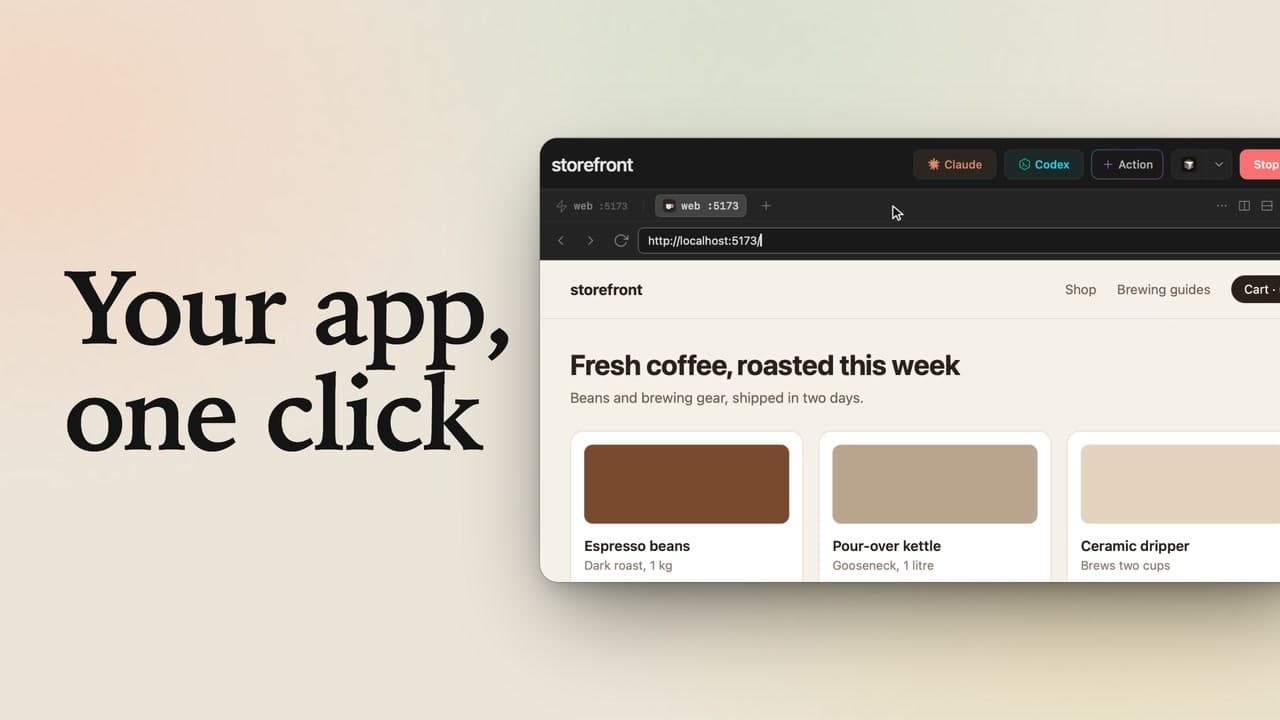
Click 5173 on web's bar, and the shop opens right here in lpm, its products served by the api. Edit what lpm found, add what it missed, and one Start runs your whole project.