lpm in 3 minutes
3:19 · 7 chapters ·
A three-minute tour of lpm, the desktop app that runs your local dev servers and AI coding agents like Claude Code and Codex in one window. Start a whole stack in one click, free a busy port, ask two agents side by side, run them in parallel copies of a project, then review and commit the best result.
Transcript
The narration, chapter by chapter. Pick a time to play from there.
Start your whole stack in one click
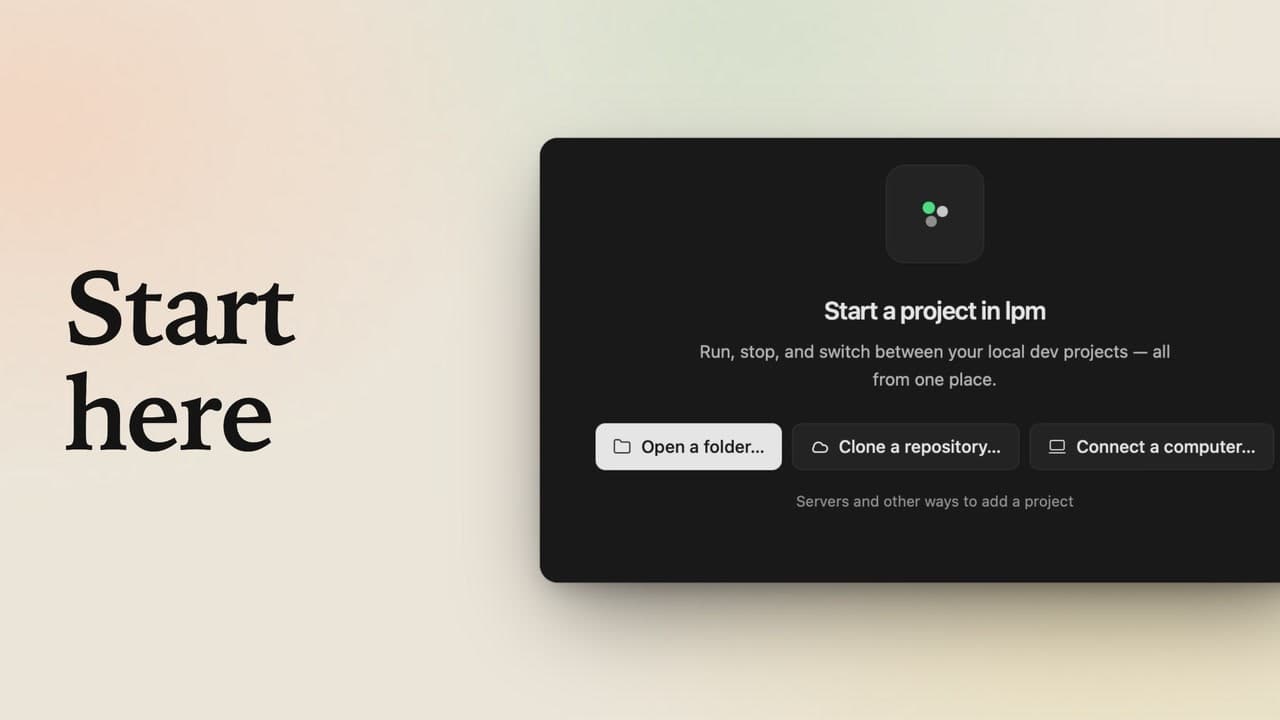
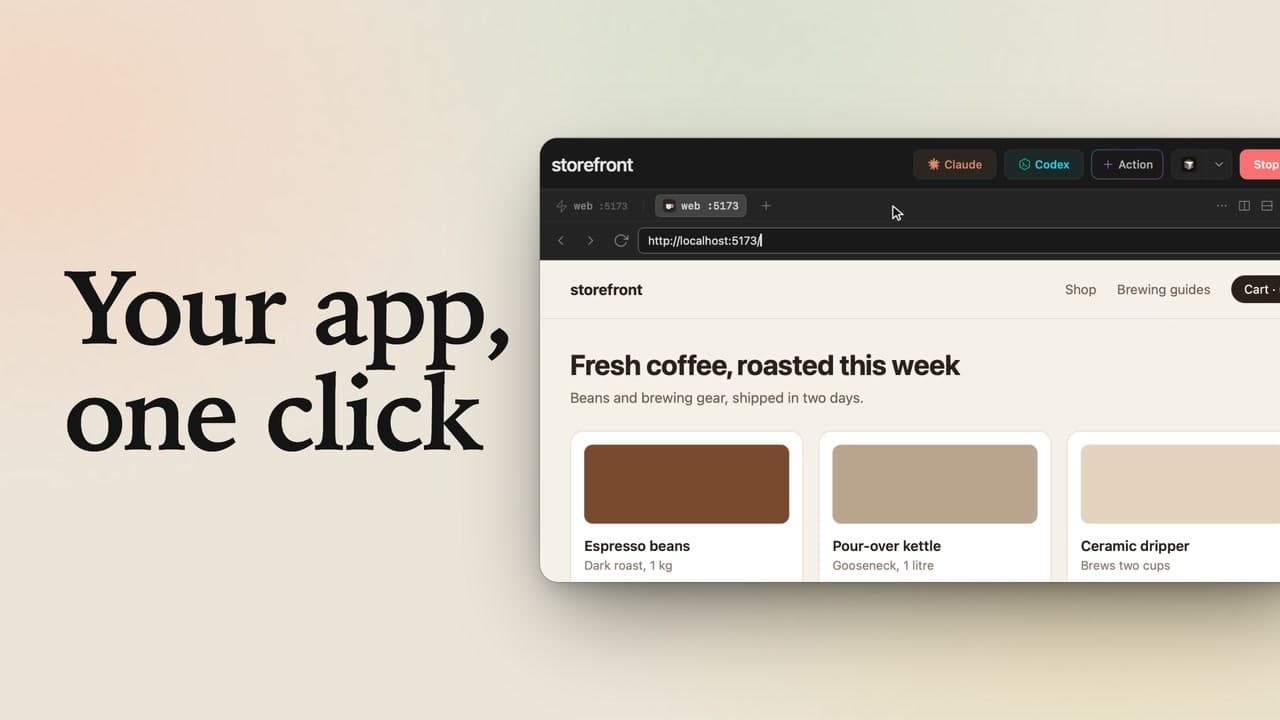
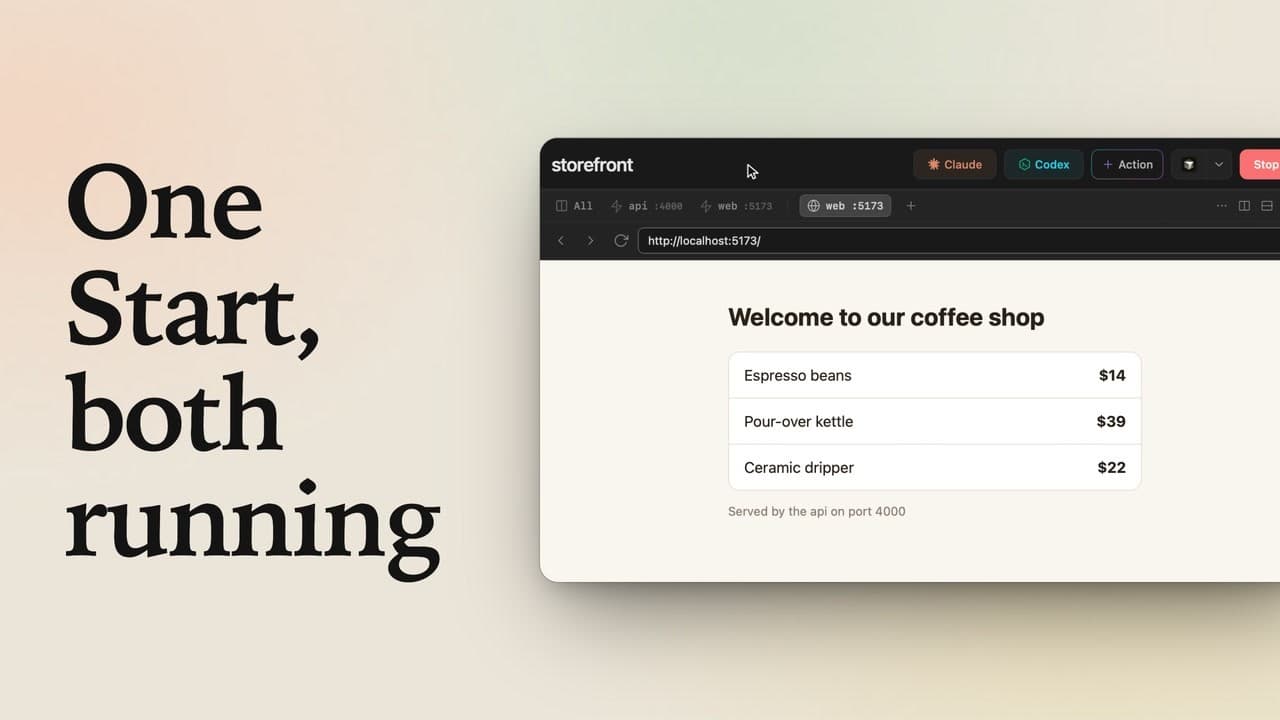
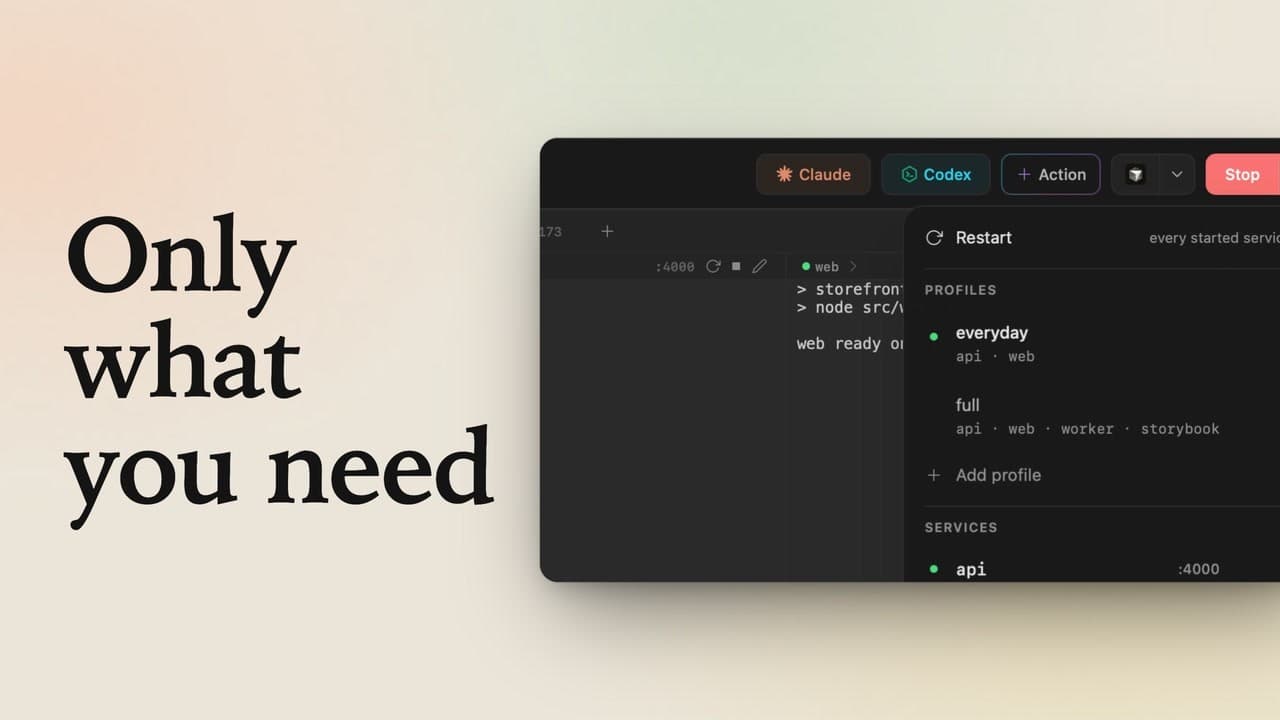
A terminal for every service, a busy port, agents to babysit? lpm runs your dev servers and AI coding agents in one window. Here's all of it, in three minutes. Your projects live in this sidebar. storefront, a small coffee shop, has an API, a web app and a worker: click Start, and all three run. Each gets its own tab, and the API and web app show their live ports. Click All to see them side by side. Click the web app's port, and the shop itself opens in a browser tab, right here inside lpm.
Free a busy port in one click
Open client-portal: storefront keeps running, its dot still green. client-portal needs port 3000, though, and something already holds it. Click Start, and instead of a crash in the logs, lpm shows who's holding it: a forgotten node server. Click Stop and start: lpm ends that server, starts client-portal on 3000, and both projects run.
Claude Code and Codex, side by side
Back in storefront, Claude Code and Codex sit in the header. Click Claude: it opens right beside your services. In the prompt box, ask which port each service uses, and send it. Want a second opinion? Click Split right, then Codex in the header, and type the same question.
Make a one-click button while agents work
Send it, and keep working while they think: in client-portal, click plus Action, and lpm suggests your package.json scripts: pick Build, then Create action. Click Build: it runs in the background, and the notice in the corner turns to a check. Both agents are done, each with a check and its time. Click Claude's row: both answers agree, API on 4000, web app on 5173.
Run agents in parallel copies
Now a real change: in client-portal, click Claude, ask for a health check route, and open the menu next to Send. Choose Run in duplicates: lpm copies the project, so each run gets its own folder, and click Run 2 in parallel. The project and its copy open side by side, with Claude at work in each, and the sidebar tracks both.
Keep the best, review and commit
Both are done. Keep the one you like, here the original, then open the copy's menu and choose Delete duplicate. lpm first lists the work that exists only in that copy, and Delete removes it. Open the three-dot menu and click Review changes: every edit Claude made, in one place. Click Commit in the footer, type a short message, and commit it: there's nothing left to commit.
Automations, servers and your phone
Some work runs without you: Automations run a prompt or a command on a schedule, and the Week view shows when. And the plus button adds more than folders and Git repos: a Linux server, another computer, or your phone with lpm Link. lpm runs on macOS, Linux and Windows: every project, its services and its agents, in one window.