Start and stop your dev server
1:51 · 5 chapters ·
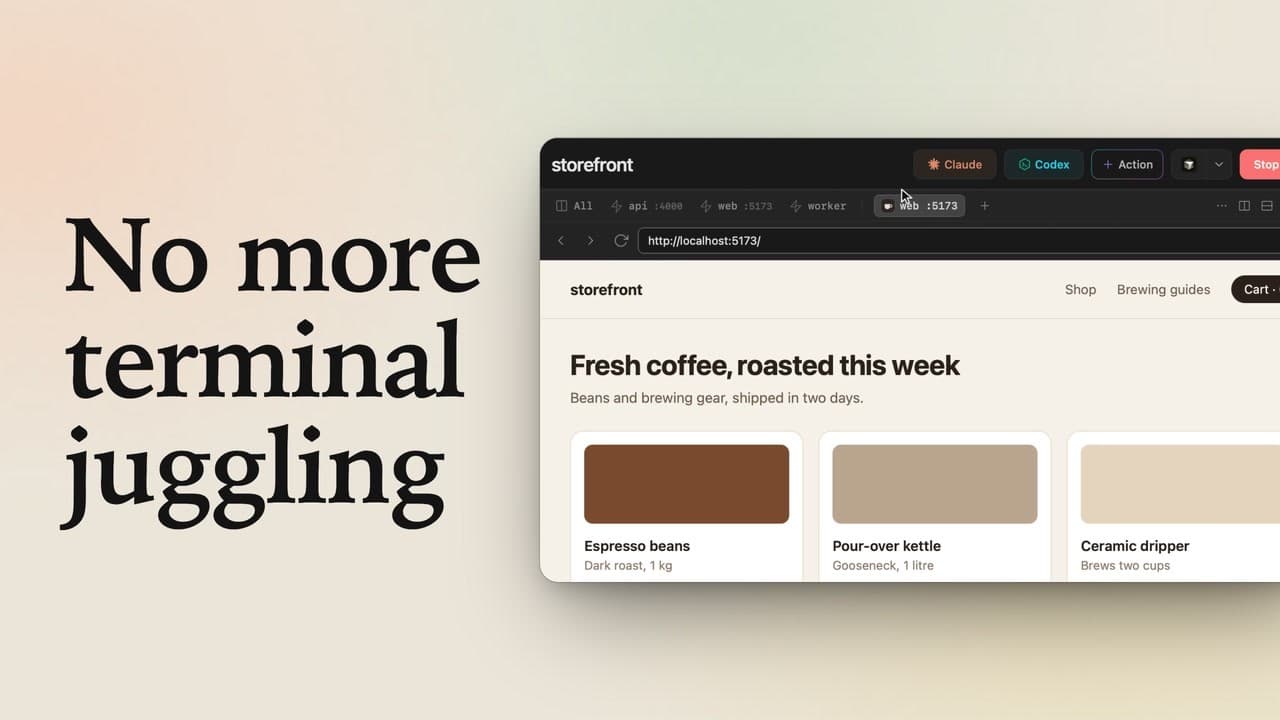
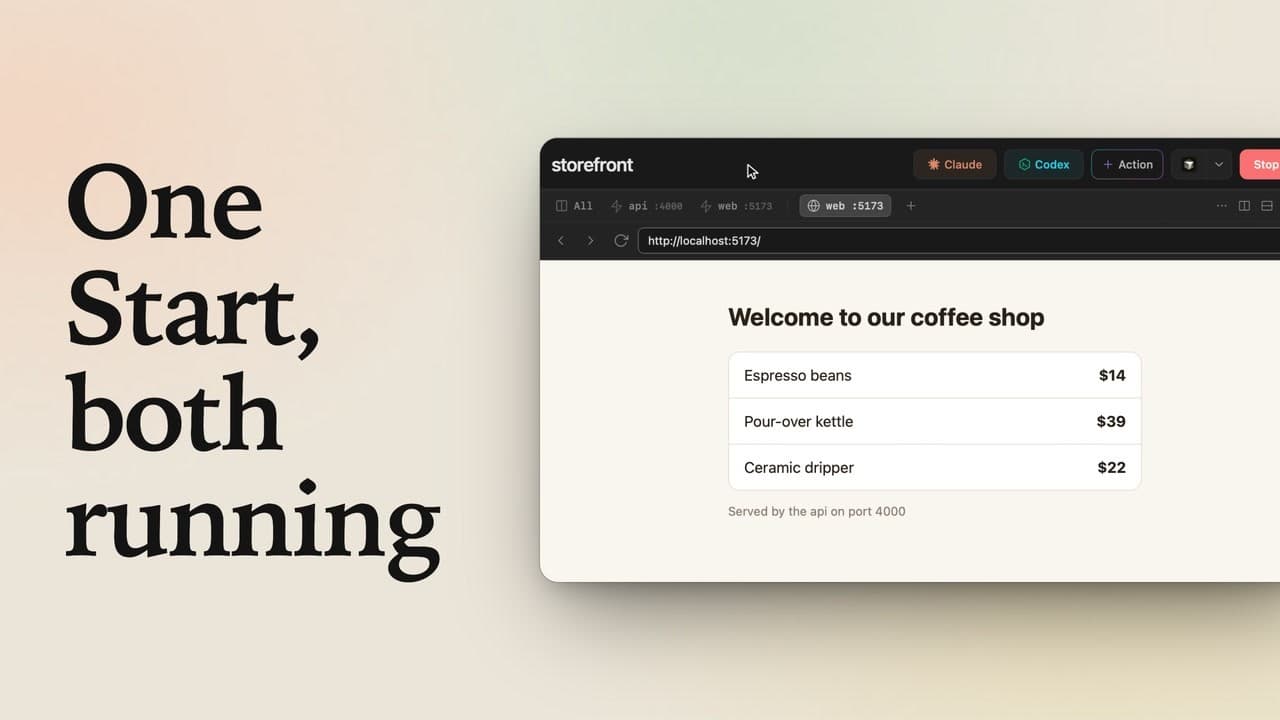
Start your local dev server in lpm with one click, and stop it with the same button. lpm reads the dev script in package.json, or the processes in a Procfile, when you add the folder, so there's no config to write. A project with several services (an API, a web app and a background worker) starts with the same click, shows side by side in the All view, or starts just one service from the menu next to Start. Then click the port on a service's tab, and your app opens right inside lpm.
Transcript
The narration, chapter by chapter. Pick a time to play from there.
Start a dev server
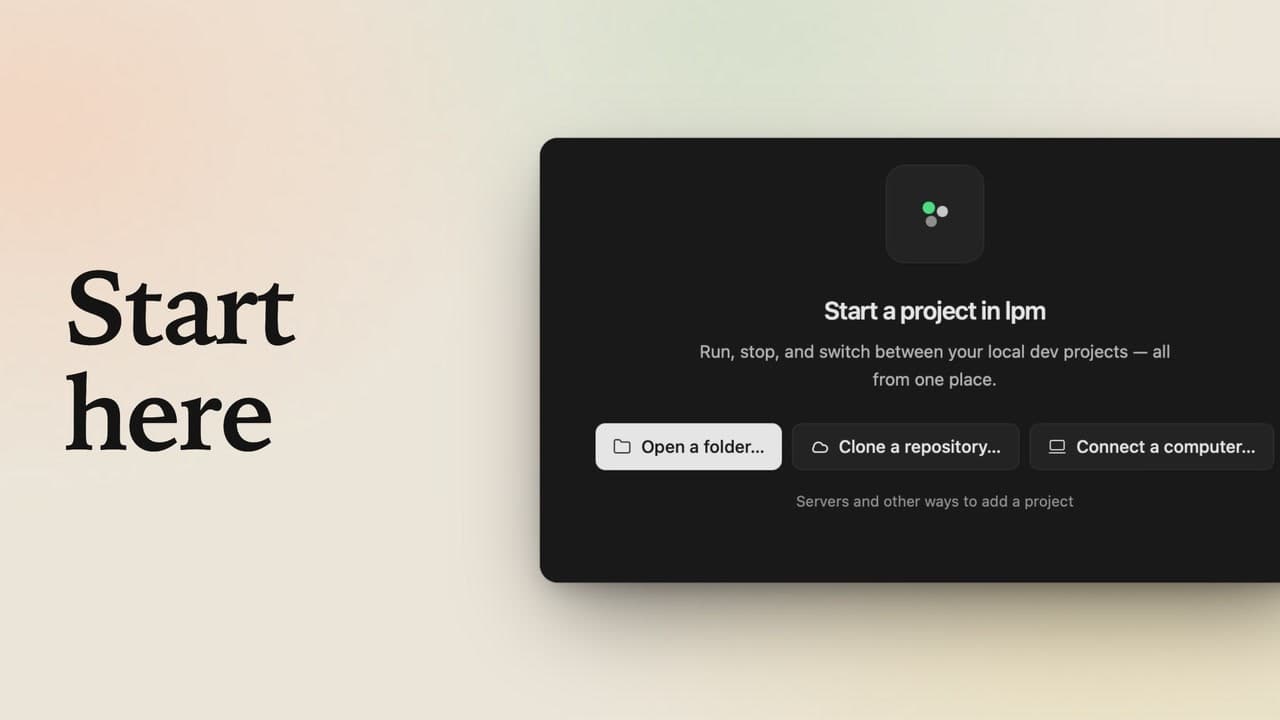
Click Start, and your whole dev stack runs in lpm, side by side. Click a port, and your app opens right there. No commands, no config. client-portal runs a single dev server. Open it, and the Start button is right up in the header. lpm found its dev script in package.json when you added the folder, so there's nothing to set up: just click Start.
Watch it run, then stop it
It runs right here, in a tab of its own, and the bar on top shows the command lpm ran for you: npm run dev. Its port shows right on the tab, and in the sidebar, the project's dot is green: green means running. To stop it, click the same button, now a red Stop. The server shuts down, and its dot is an empty ring again.
Several services
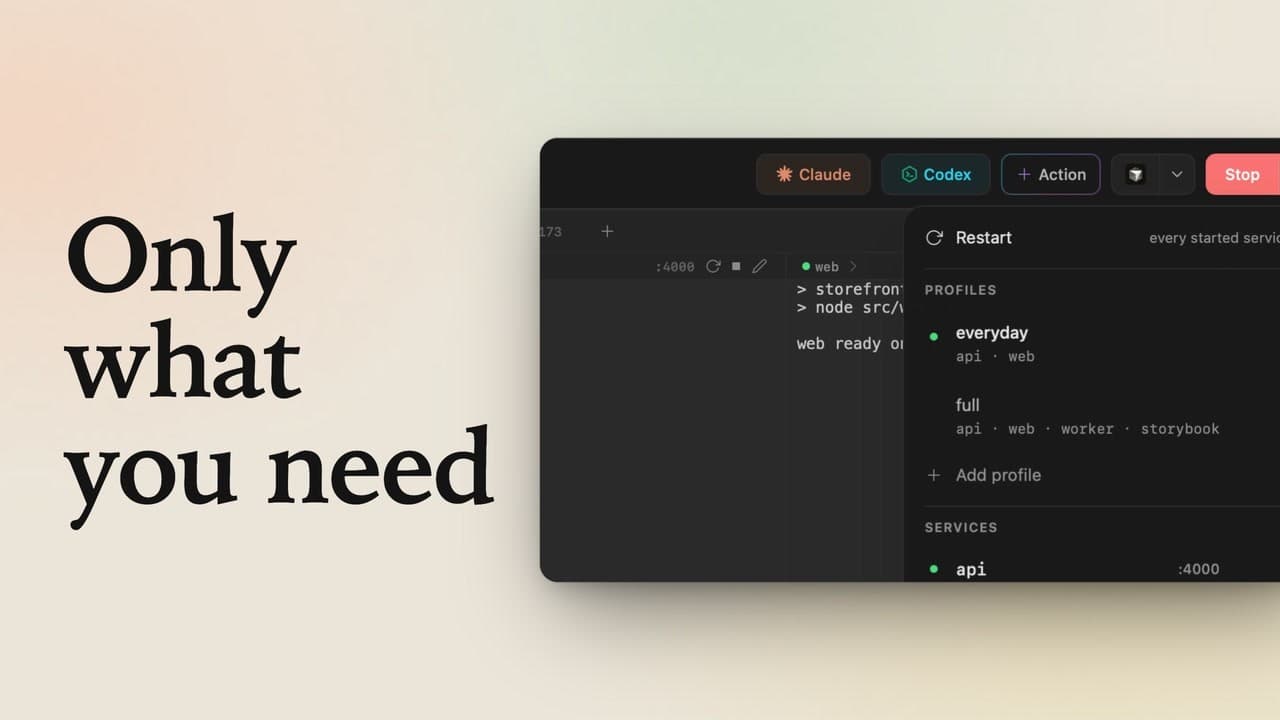
Now a bigger project, one that runs several services at once. Open storefront, then the menu next to Start. lpm found three services in its Procfile: an API, the web app and a background worker.
Start them all
It's still one button. Click Start, and all three come up together, each in its own tab, and the API and the web app show their ports. Click All to watch the whole stack side by side. When you're done, Stop takes all three down at once.
Start just one, then open it
Only need the web app? Open the menu, then click web: it's the only one that starts, and the only one with a green dot. Then click the port on its tab, and your app opens in a browser tab, right here in lpm. One service or several: Start runs them, Stop ends them, and there's nothing to configure.