Run only the services you need
1:49 · 5 chapters ·
Run only the services you need in lpm: save the ones you use every day as a profile, and switch a running project between profiles with one click, no config file. storefront runs an API, a web app, a background worker and Storybook; a profile called everyday runs just the API and the web app, and full brings all four back.
Transcript
The narration, chapter by chapter. Pick a time to play from there.
Why profiles
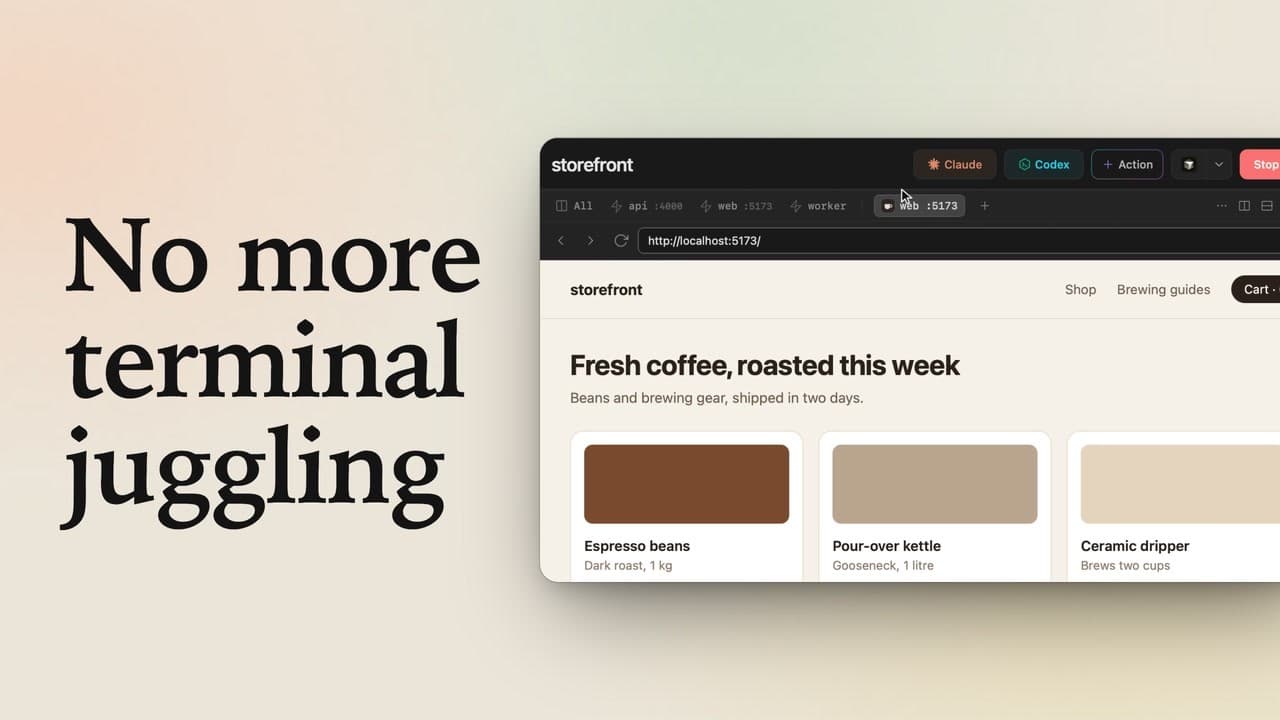
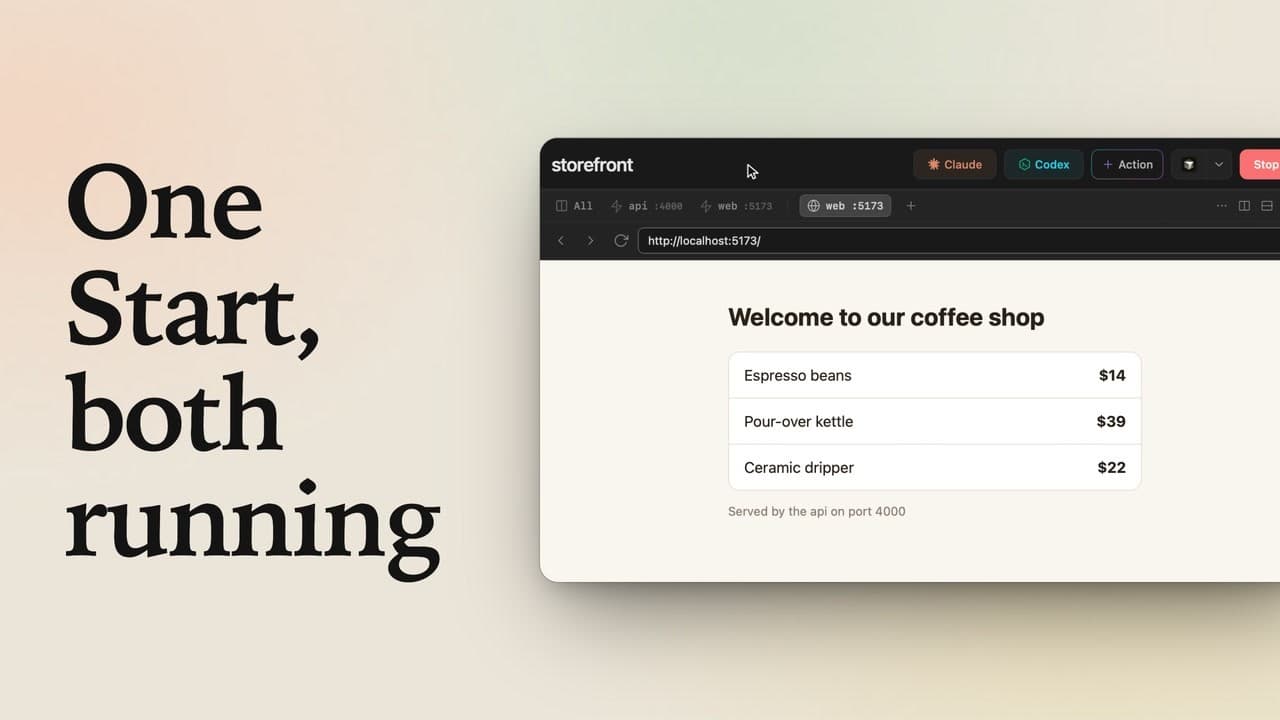
Four services running when you only need two? Save those two as a profile in lpm, and switch with one click. storefront has four services. Click Start, and they all come up: an API, the web app, a background worker, and Storybook. Click All to see the four of them side by side. Most days, though, you only work on the API and the web app. The worker and Storybook just sit there, using memory.
What a profile is
Open the menu next to Stop. Under Profiles, storefront already has one, called full. A profile is a saved set of services that start together: full runs all four, and its green dot means it's running.
Add a profile
Let's make a smaller one: click Add profile. Name it everyday, then tick the two services it runs: API and web. The preview on the right shows the menu you'll get, with everyday just above full. Click Add profile to save it. Nothing restarts yet: storefront still runs all four.
Switch profiles
Now switch to it: open the menu and click everyday. lpm restarts storefront with just those two. Just API and web now. Open the menu: the green dot has moved to everyday, and only those two services have one.
Switch back
Need the whole stack again? Click full, and all four come back. Open the menu again: the green dot is back on full. To change a profile later, hover it, and its pencil opens the same form. Make a profile for each way you work, and switch between them with one click.